Understanding GST Challan Payment Process

Summary
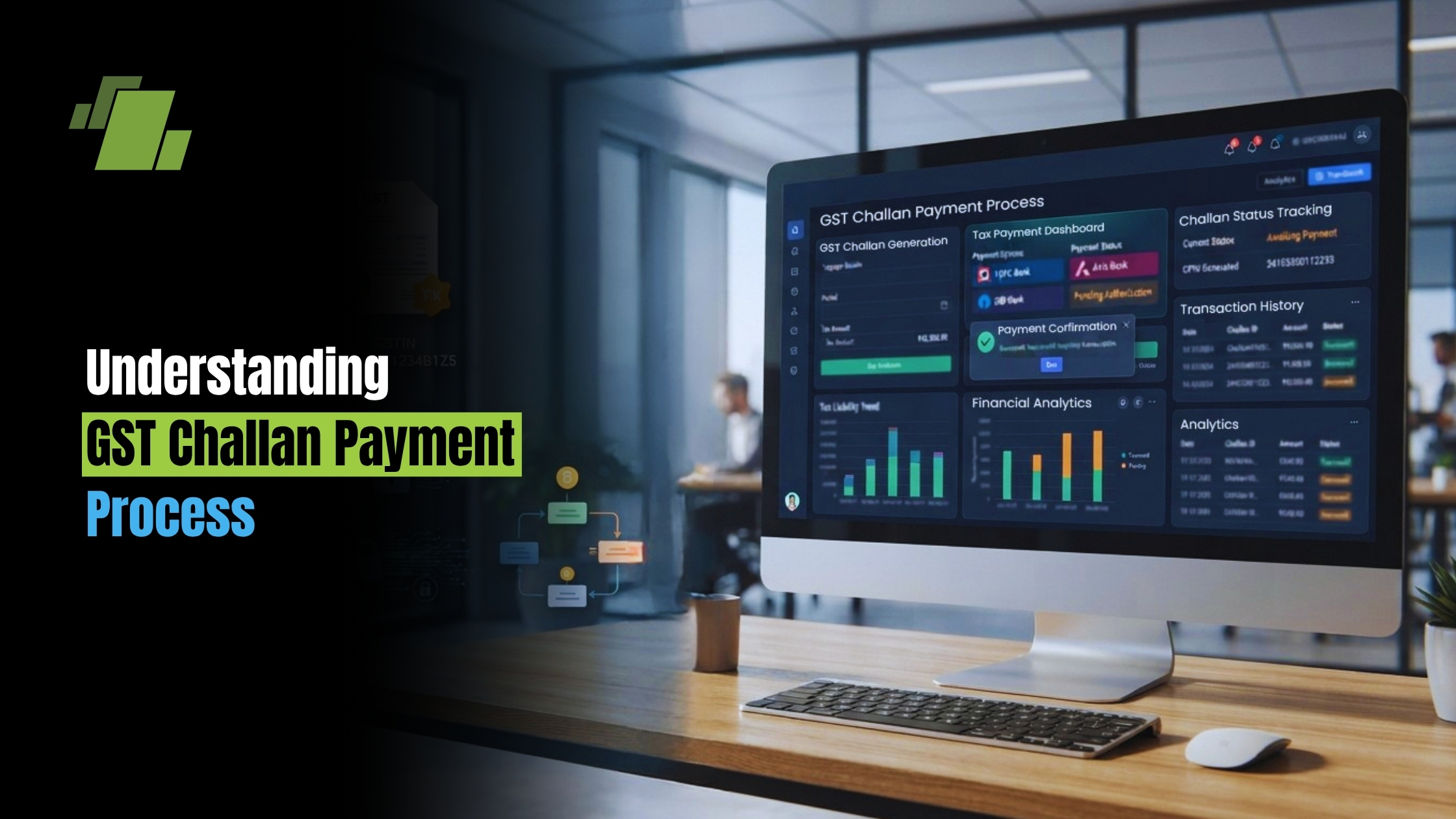
Looking for a complete guide to GST challan payment? Learn how to create a GST challan online, complete GST bill payment, make GST PMT-06 payment online, submit GST TDS payments, track challan status, and follow best practices for hassle-free GST compliance.
Contact Us
Free Demo Request
Introduction
Navigating the GST challan payment process, especially gst challan payment online via the GST portal’s e payment of gst options, can seem daunting at first. However, understanding it is crucial for businesses in India.
GST challans are essential for paying Goods and Services Tax. They support accurate gst bill payment and ensure compliance with tax regulations.
This guide will simplify the process of creating and paying GST challans online. It will also cover related aspects like GST TDS payments and using a gst challan online for quick submissions.
Whether you’re a business owner or a tax professional, mastering this process is vital. It helps in maintaining accurate financial records and avoiding penalties.
✨ Summarize this article with AI


Let’s explore the steps involved in GST challan payment and ensure smooth tax compliance. If you’re wondering how to pay gst challan online, the sections below outline each step clearly.
What is a GST Challan?
A GST challan is a formal document used for tax payments under the Goods and Services Tax regime in India. It serves as proof of payment for tax dues.
This document is crucial for both registered and unregistered taxpayers. It helps them in paying the GST liabilities accurately and on time.
Creating a GST challan involves entering specific details on the GST portal. This includes the GSTIN (Goods and Services Tax Identification Number) and the appropriate tax type. Accurate gst challan creation ensures the payment is mapped to the correct account. Once generated, you can pay gst challan using your preferred mode.
Key Features of a GST Challan
- Used for paying GST liabilities
- Requires correct GSTIN for creation
- Supports both online and offline payments
The challan ensures that tax payments are recorded in the taxpayer’s account. This assists in maintaining precise tax records and fulfilling compliance requirements. It also enables gst challan online generation and secure submission.
Importance of GST Challan Payment
GST challan payment plays a vital role in ensuring seamless tax compliance. It helps taxpayers in avoiding penalties for late payments and streamlines routine gst bill payment.
Meeting GST payment deadlines is crucial for maintaining good standing with tax authorities. This also helps in efficient financial planning.
Benefits of Timely GST Challan Payment
- Avoidance of penalties and fines
- Ensures compliance with tax laws
- Maintains a positive compliance rating
Regularly paying GST challans contributes to a smooth cash flow management. This supports both business operations and government revenue collection.
Types of GST Challans and Their Uses
Understanding different types of GST challans is crucial for accurate payments. Various challans serve distinct purposes, each aligned with specific tax needs.
The most common is the PMT-06 challan, used for regular payments. It’s essential for meeting monthly or quarterly GST liabilities and is frequently used during gst challan payment online.
GST TDS challans are another type, focused on tax deducted at source transactions. You may encounter the term gst tds challan on the portal when depositing TDS.
Common Types of GST Challans
- PMT-06: For regular tax payments
- TDS Challans: For transactions requiring tax deductions at source
Each challan type mandates attention to detail during creation. Using the correct challan ensures compliance with relevant tax regulations.
Choosing the right challan avoids potential issues with tax authorities. It also ensures the correct reflection of payments in the electronic cash ledger.
Step-by-Step Guide to GST Challan Creation
Creating a GST challan online is a straightforward process. It starts with logging into the GST portal using your credentials. Accurate information is key to avoiding errors. These steps cover gst challan creation on the portal.
Once logged in, navigate to the ‘Create Challan’ section. This area allows you to select the appropriate tax type and input the payable amount. Be thorough at this stage.
After selecting the tax type, you need to choose the payment mode. Options include Net Banking, credit/debit cards, or NEFT/RTGS transfers. Select the most convenient option.
Steps to Create a GST Challan:
- Log in to the GST portal
- Navigate to ‘Create Challan’
- Select tax type and enter amount
- Choose payment mode
- Enter bank details, if applicable
Review all entered details carefully before submission. Once reviewed, you can generate the challan for payment. A thorough review helps avoid potential complications or delays.
Save the challan reference number for future tracking. This number is crucial for keeping tabs on your payment status and history.
Ensure all details, including GSTIN, are accurate. This final check before submission is essential to prevent any processing mishaps.
How to Pay GST Challan Online
Paying a GST challan online simplifies your tax payment process. It enhances efficiency and accuracy while minimizing physical paperwork. If you’re asking how to pay gst challan online, the process below walks you through the e payment of gst step by step.
To begin, ensure you’ve prepared the challan on the GST portal. With the challan ready, proceed to the online payment section.
Choose your preferred payment method. Common options include net banking, credit/debit card, or NEFT/RTGS. Each mode has its own benefits.
Online Payment Steps:
- Open GST portal and log in
- Access the ‘Payments’ section
- Choose payment method
- Enter required banking details
- Confirm and submit payment
Verify your payment details before final confirmation. This step ensures that the funds will be processed correctly. Double-checking now can save future hassles.
Once payment is confirmed, a receipt will be generated. This receipt serves as proof of payment and can be downloaded for record-keeping.
Keep the receipt safe for future reference. It’s also advisable to check your electronic cash ledger. This ledger updates once the payment is successful, reflecting the latest transactions.
Online payment not only saves time but also ensures prompt fulfillment of tax obligations. It’s a reliable choice for modern tax management.
Modes of GST Challan Payment: Online and Offline
Taxpayers can choose between online and offline modes to pay GST challans. Each method has its own advantages.
Online Payments offer convenience and speed. They allow for quick processing and instant confirmations, making e payment of gst straightforward.
Offline Payments involve visiting bank branches to make transactions. While they can be time-consuming, they provide a tangible, in-person process.
Payment Modes Include:
- Online: Net Banking, Credit/Debit Cards, NEFT/RTGS
- Offline: Bank Over-the-Counter
Assess your needs and select the mode that aligns best with your preferences and circumstances.
GST PMT-06 Payment Online: Process and Tips
Filing GST PMT-06 is crucial for self-assessing your tax liabilities under the GST law. This form facilitates the payment of taxes through the GST electronic cash ledger. The online process is straightforward and can be done via the GST portal. For gst pmt 06 payment online, follow the guided steps below.
To make a GST PMT-06 Payment Online, follow these steps:
- Log in to the GST Portal.
- Navigate to the ‘Payments’ section.
- Select ‘Create Challan’ and choose PMT-06.
Ensure that the details you enter are accurate. Double-check the amounts and tax types before proceeding. This prevents errors and ensures a hassle-free payment experience. Keeping a record of all transactions is advisable for future reference.
GST TDS Challan and TDS Payment Process
GST TDS stands for Tax Deducted at Source under GST. It’s applicable to specified taxable services and goods. Entities deducting TDS must deposit it through a GST TDS challan to complete gst tds payment.
To efficiently manage GST TDS payments, follow these steps:
- Generate a TDS certificate via the GST portal.
- Access the ‘Payments’ section to create a TDS challan.
- Verify all entered details before submission.
Accurate TDS payments ensure compliance and prevent penalties. Ensure timely submission of the deducted tax, and keep all documentation secure. The GST portal simplifies tracking and managing TDS deductions, aiding smooth compliance.
Online Payment GST Charges and Bank Options
Paying GST online is a convenient option. However, it may incur some charges. These can include online payment gst charges that vary by method and bank.
Various banks facilitate GST payments through their online services. Each bank may have different fees or policies. Compare these before making payments.
Here are some common online payment options:
- Net banking
- Credit card
- Debit card
- NEFT/RTGS
Choose the payment mode that best fits your needs and budget. Understanding different bank charges can save money and ensure smooth transactions. Always check for updates on fees to avoid surprises.
Tracking, Downloading, and Managing GST Challans
Managing your GST challans efficiently is crucial. The GST portal provides features to help you track and download your challans.
After generating a challan, you receive a Challan Reference Number (CRN). This number is key for tracking. Use it to monitor the status and history of your GST payments.
Steps to manage your GST challans:
- Log into your GST account.
- Navigate to the ‘Track Payment Status’ section.
- Enter the CRN to view details.
- Download the challan for records.
Regularly checking the status helps in maintaining compliance. Downloaded challans should be stored securely for future reference. This practice simplifies audits and supports accurate bookkeeping.
Common Issues and Troubleshooting in GST Challan Payment
GST challan payments can sometimes face issues. Understanding common problems and solutions can help save time.
Frequent issues and troubleshooting steps include:
- Payment not reflecting: Wait for 24 hours before rechecking.
- Challan errors: Verify and correct details before resubmission.
- Portal access issues: Clear browser cache or try a different browser.
By addressing these issues promptly, you ensure smooth GST transactions. Keeping track of payment receipts can help in resolving disputes efficiently.
Best Practices for GST Challan Payment and Compliance
Ensuring compliance with GST payments is crucial. Following best practices helps avoid errors and penalties. Here are some tips:
- Double-check all entries on the challan.
- Use the correct GSTIN for transactions.
- Pay well ahead of deadlines to avoid late fees and to conveniently pay gst challan without last-minute rush.
Effective compliance builds trust with tax authorities. It also streamlines your business operations, making the entire tax process hassle-free.
Conclusion
Understanding the GST challan payment process is essential for maintaining accurate tax compliance and ensuring timely payments. By following the steps and best practices outlined in this guide, businesses can efficiently manage their GST obligations, avoid penalties, and simplify tax management with LOGIC ERP integrated GST compliance and accounting solutions.
Call at +91-73411-41176/75 or send us an email at sales@logicerp.com to book a free demo today!
Frequently Asked Questions
Here are some common questions regarding GST challan payment. If you have more queries, consult the GST portal for comprehensive information.
1. What is a GST challan?
A GST challan is a document used for tax payments.
2. Can I revise a challan after submission?
No, once submitted, it cannot be revised.
3. What happens if I miss the payment deadline?
Late payments attract penalties and interest charges. Always ensure to pay on time. To avoid inconvenience, set reminders for payment deadlines.

Author
Gurbir Singh
Co-founder & Managing Director | LOGIC ERP Solutions Pvt. Ltd.
With 30+ years of experience in the tech industry, I took the helm of technology & product development, ensuring LOGIC ERP’s continuous innovation & leadership in the evolving tech landscape.