How to Generate an E-Way Bill for Job Work Return in India

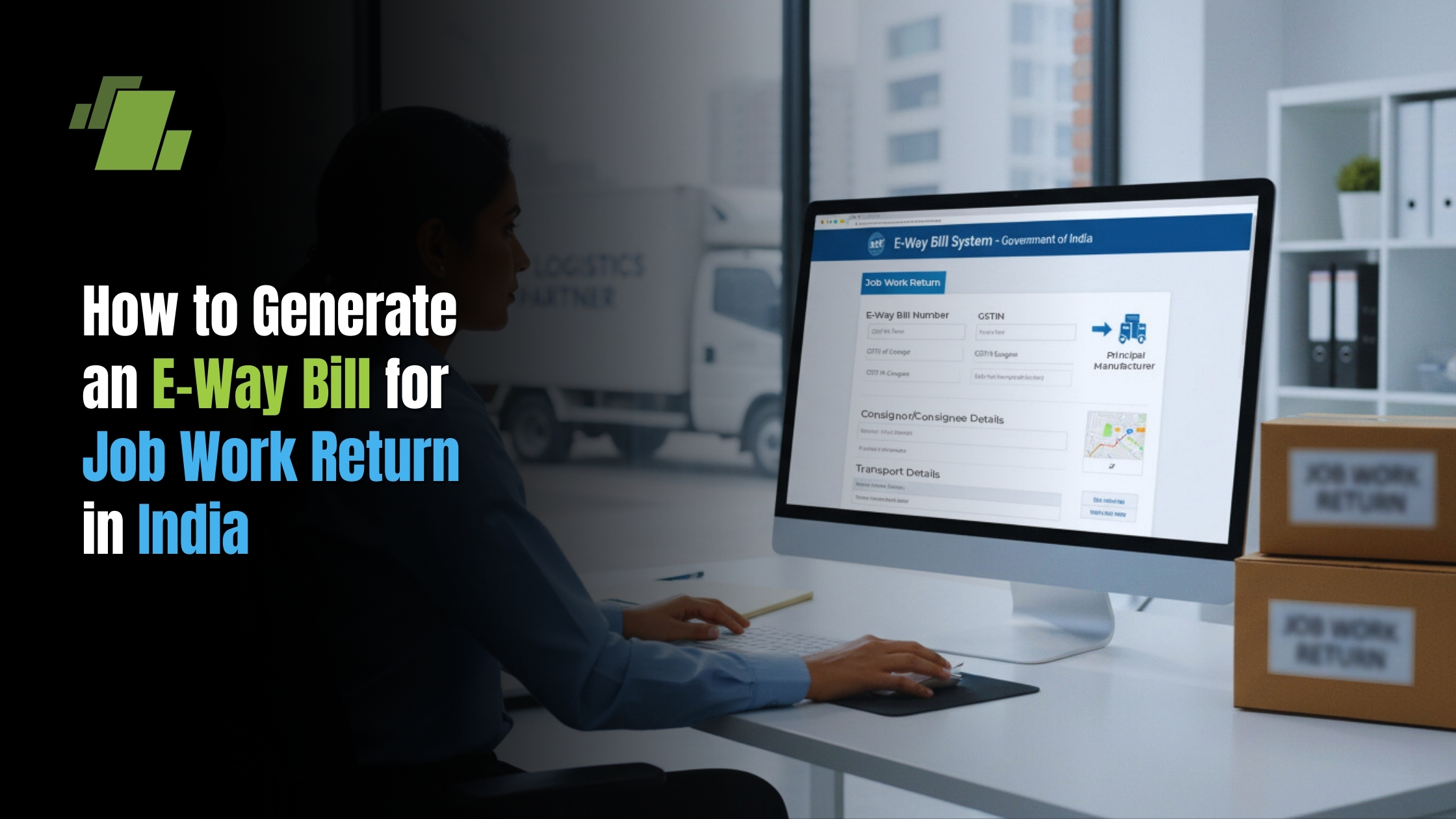
Imagine sending fabric to a tailor; you aren’t selling the cloth, you’re just paying for the stitching. This simple logic applies when moving goods for repairs or processing, officially known as job work. In practice, a job work e-way bill acts as a digital “hall pass” for the highway, proving to inspectors that items are returning to the owner rather than being sold to a customer.
Mistaking this return trip for a standard sale can trigger confusing tax demands or expensive roadside penalties. Since protecting your bottom line is priority number one, understanding exactly how to generate an e-way bill for job work return movements ensures your truck clears every checkpoint without delay.
Summary
An e-way bill for a job work return documents the movement of goods back to the principal, not a sale, so you must use a Delivery Challan instead of a Tax Invoice. It’s required when the intra-state consignment value exceeds ₹50,000 and for any inter-state job work or specified handicraft goods regardless of value. On the portal, select Transaction Type “Outward” and Sub Type “Job Work Returns,” set the job worker as Bill From and the principal as Bill To, fill Part A (goods/parties) and Part B (transporter/vehicle), and link the Delivery Challan. Use the HSN of the goods and compute the value as raw material plus labor, matching the challan exactly. For inter-state moves, validity is generally one day per 200 km; update vehicle details promptly and extend within 8 hours after expiry if delayed.
The 50,000 Rupee Threshold: Knowing When You Need an E-Way Bill
Most of the time, you only need to generate this digital pass if the total consignment value exceeds ₹50,000. This value is calculated by adding the cost of the raw material to your job work (labor) charges. Think of this as a standard gatekeeper: if your cargo value is under this amount and staying local, you are generally exempt from the requirement.
Crossing state lines, however, removes that exemption entirely. The government mandates an e-way bill for specific scenarios regardless of the value, even if the goods are worth just ₹1. You must generate the bill for:
- Inter-state Job Work: Any movement of goods for treatment or process across state borders.
- Handicraft Goods: Transporting specific exempted artisan items between states.
- Voluntary Compliance: If you simply want digital proof of the movement for safety.
Many business owners ask, “Is an e-way bill required for job work within the same state?” The answer typically defaults back to that ₹50,000 rule, though you should always check if your specific state has notified a higher local limit. Once you confirm you need the bill, ensure you back it up with the right paperwork to avoid a penalty.
Delivery Challan vs Tax Invoice: Selecting the Right Document
Since you aren’t selling the processed goods back to the owner, issuing a standard Tax Invoice is a critical error that looks like a new sale to tax authorities. You must use a Delivery Challan instead to handle the job work return dilemma. This document acts as a record of movement rather than a request for payment, proving that ownership hasn’t changed hands. It effectively tells the officer, “I worked on this, and now I’m returning it,” without triggering unnecessary sales tax on the item’s total value.
Before logging into the portal, verify that the documentation needed for the return of processed goods is accurate. Small errors here often lead to trucks getting stuck at checkpoints. Double-check your Delivery Challan for these five mandatory details:
- Date of issue
- Challan Number (must be unique)
- HSN Code description
- Taxable Value (Material cost + Labor)
- Place of Delivery
Step-by-Step Portal Guide: From Login to ‘Job Work’ Sub-Type
With your delivery challan ready, complete the GST portal login for e-way bill generation and select “Generate New” from the main menu. The first setting is the “Transaction Type,” which must be marked as “Outward” since goods are leaving your facility. Immediately select “Job Work Returns” under the “Sub Type” options. This specific configuration flags the system that no commercial sale is taking place, ensuring the software doesn’t demand tax invoice numbers that usually accompany a standard trade.
Confusing the “From” and “To” fields causes most user errors, but the logic is straightforward: the entity physically holding the goods is the Consignor. As the job worker returning processed items, enter your details in the “Bill From” section and the Principal manufacturer’s details in the “Bill To” section. If you are a registered taxpayer, the liability falls on you to initiate this document before the truck leaves your dock.
The digital form is split into two distinct segments, requiring you to follow the steps to fill Part A and Part B of EWB-01 sequentially. Part A captures the “what” and “who”—the item details and trader identities, while Part B records the “how,” specifically the transporter ID and vehicle number. If the vehicle details aren’t available yet, you can complete Part A to generate a temporary slip, allowing you to update Part B later once the driver arrives.
Under the document type dropdown, explicitly choose “Delivery Challan” and enter the unique number from your paperwork. This selection links the digital permit directly to the physical document the driver carries, proving the movement is a return of goods rather than a new supply.
HSN Codes and Taxable Value: Calculating the Numbers
Determining the “Taxable Value” feels strange since no sale occurred, but the portal requires a figure for transit safety. Calculate the total consignment value by combining the raw material cost with your labor charges. Treat this number like the shipment’s declared insurance worth; it establishes the value moving on the highway without triggering a tax demand on the full amount.
Choosing the right identifier depends on the physical item, not your service. Even if your invoice lists a service code (SAC) for labor, the e-way bill tracks tangible movement, so you must input the HSN code for the goods. Use the code for the actual garment being shipped rather than the embroidery service to prevent portal rejection.
Accuracy here prevents roadside detention. Always cross-reference the value on your delivery challan with the e-way bill to ensure they match perfectly before printing.
Handling Inter-State Movement and Expired Bills
Crossing state lines implies longer travel times, meaning the validity clock is ticking louder. For inter-state movement of job work materials, the rule is generally one day for every 200 kilometers, so specific route planning is essential. If the vehicle breaks down or changes mid-journey, you must update the new truck number in “Part B” of the form immediately to avoid penalties.
Sometimes delays push you past the deadline unexpectedly. Dealing with an expired e-way bill during return transit is manageable, but you must act within 8 hours of the expiry time to keep the shipment legal:
- Login to the portal and select “Extend Validity.”
- Enter the reason (e.g., breakdown) and current location.
- Submit to generate a new validity period.
Action Plan: Getting the Goods Moving
Approach the portal with confidence. By adopting a consistent check-generate-print workflow, you ensure compliance with the GST law time limit for returning job work items without the usual stress.
Success involves handing a valid QR code to your driver and ensuring the logistics match the paperwork. This simple focus helps you avoid common errors in e-way bill generation, ensuring your goods move legally and your business stays penalty-free.
Call at +91-73411-41176 or send us an email at sales@logicerp.com to book a free demo today!
Frequently Asked Questions (FAQs)
1. When do I need an e-way bill for a job work return?
You must generate an e-way bill when the intra-state consignment value exceeds ₹50,000 (calculated as raw material cost plus labor charges). For inter-state movements, an e-way bill is required regardless of value—even if it’s ₹1. The same “regardless of value” rule applies to specified handicraft goods moved between states. You can also generate one voluntarily for documentation. Always check if your state has notified a higher local limit for intra-state movements.
2. Should I issue a Tax Invoice or a Delivery Challan for returning processed goods?
Use a Delivery Challan, not a Tax Invoice. A Tax Invoice makes it look like a sale; a Delivery Challan records movement without transferring ownership. Ensure the challan includes: date of issue, unique challan number, HSN description, taxable value (material + labor), and place of delivery. This document must match the e-way bill details to avoid detention or penalties.
3. How do I configure the e-way bill on the portal for a job work return?
After logging in and choosing “Generate New,” set Transaction Type to “Outward,” then select Sub Type “Job Work Returns.” Enter the job worker’s details as “Bill From” and the principal’s details as “Bill To.” Choose “Delivery Challan” as the document type and enter its unique number. Fill Part A (goods and parties) and Part B (transporter ID/vehicle number). If the vehicle number isn’t available, generate Part A first and update Part B once the truck details are known.
4. What HSN and value should I enter when there’s no “sale”?
Use the HSN code of the physical goods being moved, not a service SAC. For value, add the raw material cost to your labor charges; this is the consignment’s declared value for transit. Ensure the value and item details exactly match the Delivery Challan to prevent portal issues or roadside disputes.
5. How do I handle long routes, vehicle changes, or expired e-way bills?
Validity generally runs one day for every 200 km. If the vehicle changes or breaks down, promptly update the new vehicle number in Part B. If the e-way bill expires mid-transit, use “Extend Validity” on the portal within 8 hours of expiry, stating the reason (e.g., breakdown) and current location to generate a new validity period.

Author
Gurbir Singh
Co-founder & Managing Director | LOGIC ERP Solutions Pvt. Ltd.
With 30+ years of experience in the tech industry, I took the helm of technology & product development, ensuring LOGIC ERP’s continuous innovation & leadership in the evolving tech landscape.


