Billing Automation and Its Impact on Business Scalability

Introduction
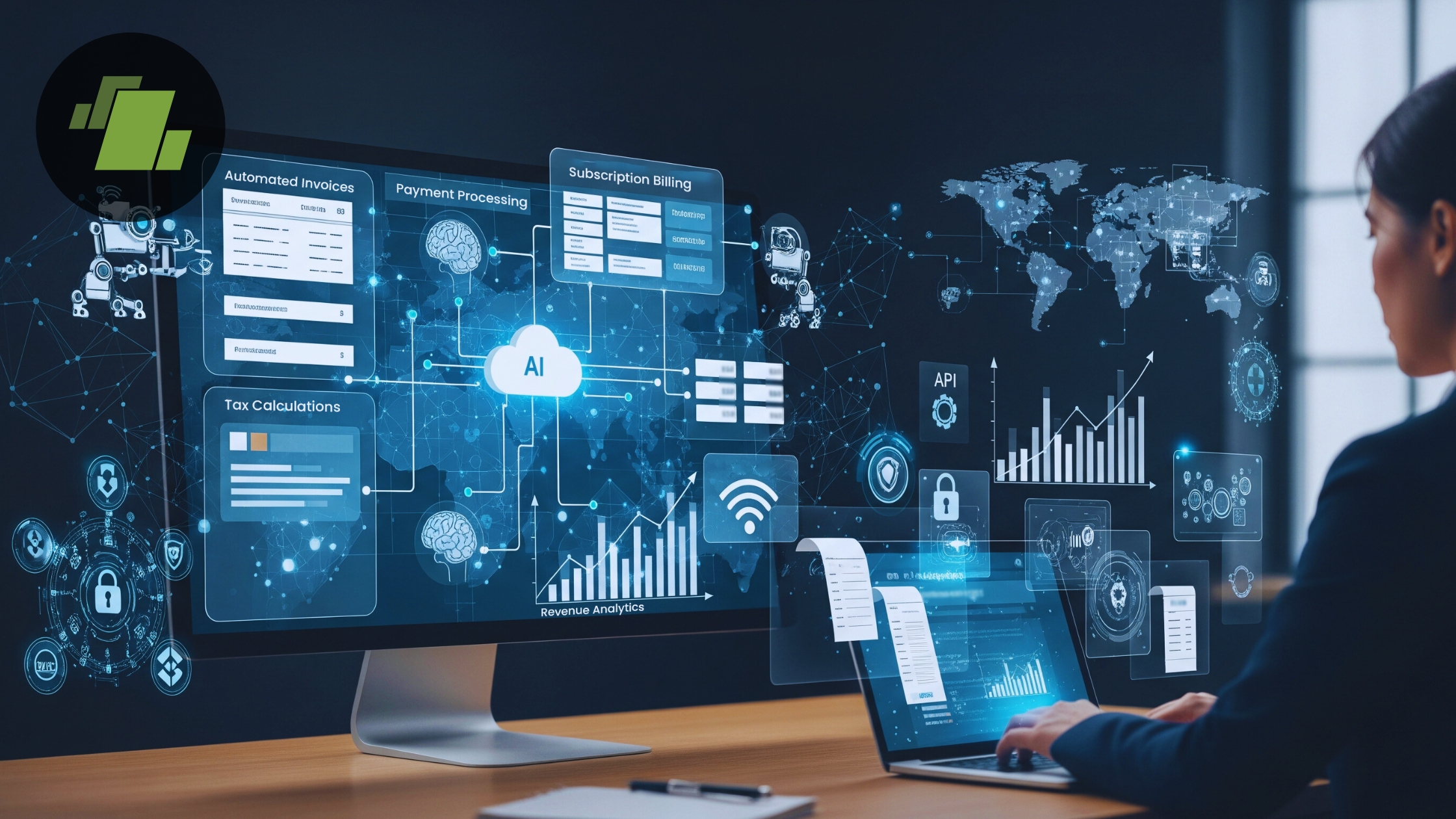
Billing automation is the process of using technology to automatically generate invoices, calculate taxes, track payments, and manage billing workflows without manual intervention. Instead of relying on spreadsheets or handwritten invoices, businesses use automated billing systems to handle high transaction volumes efficiently.
For growing businesses, billing automation is no longer optional. As transaction volume increases, manual billing becomes time-consuming, error-prone, and difficult to scale. Automated billing improves operational efficiency, strengthens financial governance, and supports long-term business scalability. By implementing the best Billing Software, businesses can streamline invoice processing, payment automation, and compliance while maintaining transactional integrity and business continuity.
What Is Billing Automation
Definition of billing automation
Billing automation refers to the use of an automated billing solution to manage invoicing, tax calculations, payment processing, and accounts receivable automation through standardized workflows. It eliminates repetitive manual tasks and ensures consistent, accurate billing operations.
How automated billing works
An automated billing system integrates with ERP systems, accounting software, and payment gateways to generate invoices, apply GST rules, track payments, and update financial records in real time. Data flows seamlessly across systems, enabling real-time reporting and secure billing with role-based access.
Difference between manual billing and automated billing
Billing Automation vs Manual Billing
| Factor | Billing Automation | Manual Billing |
|---|---|---|
| Speed | Instant invoice generation, real-time payment processing, and faster billing cycles | Time-consuming invoice creation and delayed payment follow-ups |
| Accuracy | High accuracy through automated calculations, invoice automation, and error reduction | Prone to human errors, incorrect tax calculations, and data inconsistencies |
| Scalability | Easily scales with increasing transaction volumes and business growth | Difficult to manage as invoice volume and complexity increase |
| Compliance | Built-in GST compliance with CGST, SGST, IGST, and audit-ready records | Higher risk of non-compliance and incomplete audit trails |
| Cost Efficiency | Reduces operational costs through process optimization and automation | Higher long-term costs due to manual labor and error corrections |
Why Billing Automation Is Important for Growing Businesses
Billing automation helps growing businesses manage increasing transaction volumes efficiently, reduce errors, maintain compliance, and support scalable, cost-effective financial operations.
1. Challenges of manual billing at scale
Manual billing processes struggle with operational scalability. As businesses grow, invoice volumes increase, making process optimization difficult and increasing administrative workload.
2. Increasing transaction volume
Automated billing systems efficiently handle thousands of invoices, recurring billing schedules, and payment automation without slowing down revenue operations.
3. Compliance and accuracy issues
Manual billing increases the risk of GST errors, missed Input Tax Credit (ITC), and audit compliance failures. Billing automation ensures GST-compliant invoicing across CGST, SGST, and IGST requirements.
Key Components of Billing Automation
Billing automation relies on standardized workflows, system integrations, automated reconciliations, compliance controls, and real-time financial visibility to streamline and scale billing operations.
1. Automated Invoice Generation
Invoice automation creates standardized, accurate invoices instantly, reducing invoice processing time and ensuring consistency.
2. Tax and GST Automation
GST billing software automatically applies tax rules, calculates GST components, and ensures compliance with Goods and Services Tax regulations.
3. Payment Tracking and Reconciliation
Payment processing and accounts receivable automation enable real-time payment tracking and faster reconciliation.
4. Recurring and Subscription Billing
Automated recurring billing supports subscription-based revenue models with scheduled invoicing and secure billing.
5. Real-Time Billing Reports
Real-time reporting provides insights into cash flow, outstanding invoices, and revenue performance, supporting data-driven decisions.
Impact of Billing Automation on Business Scalability
Billing automation enables businesses to handle growing transaction volumes with faster billing cycles, improved accuracy, and minimal manual effort. It strengthens operational scalability by optimizing workflows, ensuring compliance, and supporting sustainable business growth.
1. Faster Billing Cycles
Automated billing workflows reduce invoice generation time, accelerating revenue collection.
2. Improved Cash Flow Management
Payment automation and timely invoicing improve cash flow predictability and financial stability.
3. Reduced Operational Costs
Billing automation lowers administrative costs by reducing manual effort and rework.
4. Error Reduction and Accuracy
Automated systems minimize human errors, ensuring transactional integrity and accurate financial records.
5. Compliance and Audit Readiness
Audit compliance becomes easier with automated records, GST-compliant invoices, and traceable billing workflows.
Billing Automation for Different Business Types
Billing automation adapts to different business models by streamlining invoicing, tax compliance, and payment processing to support scalable, accurate, and efficient billing operations across industries.
1. Small and Medium Enterprises (SMEs)
Billing automation for SMEs enables operational efficiency, scalable billing software adoption, and controlled growth without expanding finance teams.
2. Retail and Distribution Businesses
Retailers benefit from automated invoice processing, high-volume transaction handling, and seamless ERP integration.
3. Manufacturing Companies
Manufacturers use billing automation to manage complex tax structures, bulk invoicing, and compliance reporting.
4. Service-Based Businesses
Service businesses rely on recurring billing, real-time reporting, and secure billing systems to support predictable revenue streams.
How Billing Software Enables Automation
Advanced billing software uses cloud computing, integration-ready architecture, and role-based access to deliver end-to-end billing automation. It connects invoices, payment gateways, ERP systems, and accounting software into a single automated billing workflow that supports business scalability and financial automation.
Explain Billing Automation Benefits
Billing automation provides multiple advantages that help businesses grow efficiently, reduce operational strain, and improve financial governance.
- Improved Billing Accuracy
Automation reduces manual errors, ensures precise invoice calculations, and maintains transactional integrity, which is critical for compliance and customer trust. - Accelerated Cash Flow
Faster invoice generation, automated payment reminders, and real-time reconciliation shorten the payment cycle, improving liquidity and enabling better financial planning. - Reduced Operational Costs
Automating repetitive billing tasks reduces the need for extensive human resources, lowers error correction costs, and optimizes operational efficiency. - Compliance and Audit Readiness
GST-compliant automated billing ensures that invoices meet legal requirements, simplifies tax audits, and maintains accurate historical records for regulatory reporting. - Scalable Financial Operations
Billing automation allows businesses to handle growing transaction volumes without adding resources, supporting business scalability and long-term operational efficiency. - Enhanced Financial Visibility
Real-time billing reports, dashboards, and analytics provide actionable insights into revenue performance, accounts receivable, and cash flow, helping management make informed decisions.
How to Choose the Right Billing Automation Solution
There are important factors to consider for selecting the best billing automation solution for your business:
- Scalability factors
Choose scalable billing solutions that can handle increasing invoice volumes and transaction complexity.
- Cloud-based systems
Cloud billing systems ensure business continuity, secure billing, and anytime access.
- Integration with ERP and accounting tools
Seamless integration with ERP systems and accounting software improves operational efficiency and revenue operations.
Final Thoughts
Billing automation plays a critical role in enabling business scalability. By replacing manual processes with automated billing workflows, businesses achieve faster billing cycles, improved cash flow, stronger compliance, and long-term operational scalability. Investing in billing automation today ensures sustainable growth and future-ready financial operations.
Call at +91-73411-41176 or send us an email at sales@logicerp.com to book a free demo for billing software today!
Frequently Asked Questions & Answers
1. What is billing automation in business?
Billing automation is the use of software to automatically generate invoices, calculate taxes, process payments, and manage billing workflows.
2. How does billing automation help scalability?
It enables faster processing, error reduction, and standardized workflows that support growing transaction volumes.
3. Is billing automation suitable for small businesses?
Yes, billing automation for SMEs improves efficiency, compliance, and cost control without increasing staffing needs.
4. Can billing automation handle GST compliance?
Yes, GST billing software automates CGST, SGST, IGST calculations and supports Input Tax Credit compliance.
5. How does billing automation support business scalability?
Billing automation supports business scalability by enabling companies to manage increasing invoice volumes, automate payment processing, and maintain accuracy without adding operational complexity or cost.
6. How does billing automation help business growth?
Billing automation helps business growth by improving cash flow, reducing billing errors, accelerating revenue cycles, and allowing teams to focus on strategic activities instead of manual billing tasks.
7. What are the key benefits of billing automation for businesses?
The main benefits of billing automation include faster invoicing, improved accuracy, GST compliance, reduced operational costs, real-time financial visibility, and scalable billing workflows.
8. Why should growing businesses use an automated billing system?
An automated billing system for growing businesses ensures efficient invoice processing, seamless integration with accounting systems, compliance readiness, and the ability to scale billing operations as the business expands.
9. How Billing Automation Works?
Billing automation works by using software to automatically generate invoices, calculate taxes, process payments, and update accounting records through integrated, cloud-based billing workflows.
10. Give Billing Automation Examples?
Billing automation examples include automated invoice generation, recurring subscription billing, GST-compliant tax calculation, real-time payment reconciliation, and automated accounts receivable tracking.
11. Does Billing Automation Improve Scalability?
Yes, billing automation improves scalability by allowing businesses to handle increasing transaction volumes efficiently while maintaining accuracy, compliance, and operational control.
12. What is financial governance in billing automation?
Financial governance in billing automation ensures that invoicing, payments, and accounts receivable are managed with transparency, accuracy, and compliance, reducing errors and supporting audit readiness.
13. How does billing automation improve financial governance?
Automated billing enforces standardized workflows, real-time reporting, and error reduction, helping businesses maintain control over financial operations and regulatory compliance.
14. What does integration-ready mean in billing software?
Integration-ready billing software can seamlessly connect with ERP systems, accounting tools, and payment gateways, enabling smooth data flow and efficient financial operations.
15. Why is integration-ready billing software important?
Integration-ready systems eliminate manual data entry, reduce errors, and allow businesses to scale financial processes efficiently across multiple platforms.
16. What is recurring billing in automated billing?
Recurring billing is the automated process of generating invoices and processing payments at regular intervals, ideal for subscription-based services and long-term contracts.
17. How does recurring billing help businesses?
Recurring billing ensures timely revenue collection, improves cash flow predictability, reduces manual workload, and supports scalable billing operations.
18. How does billing automation handle GST?
Automated billing software calculates CGST, SGST, and IGST accurately, applies Input Tax Credit (ITC), and generates GST-compliant invoices for regulatory compliance.
19. Can GST-compliant billing software simplify tax audits?
Yes, GST-compliant billing software maintains accurate, traceable invoices and records, making audits faster and ensuring legal compliance.
20. What is scalable billing software?
Scalable billing software is designed to handle increasing transaction volumes, customer growth, and complex billing workflows without compromising performance or accuracy.
21. How does scalable billing software benefit growing businesses?
It supports business expansion by automating invoicing, recurring billing, and payment tracking while maintaining compliance, efficiency, and operational scalability.

Author
Gurbir Singh
Co-founder & Managing Director | LOGIC ERP Solutions Pvt. Ltd.
With 30+ years of experience in the tech industry, I took the helm of technology & product development, ensuring LOGIC ERP’s continuous innovation & leadership in the evolving tech landscape.


