How to Configure Buy One Get One Free (BOGO) Promotional Scheme in LOGIC ERP: Step-by-Step Guide

Introduction
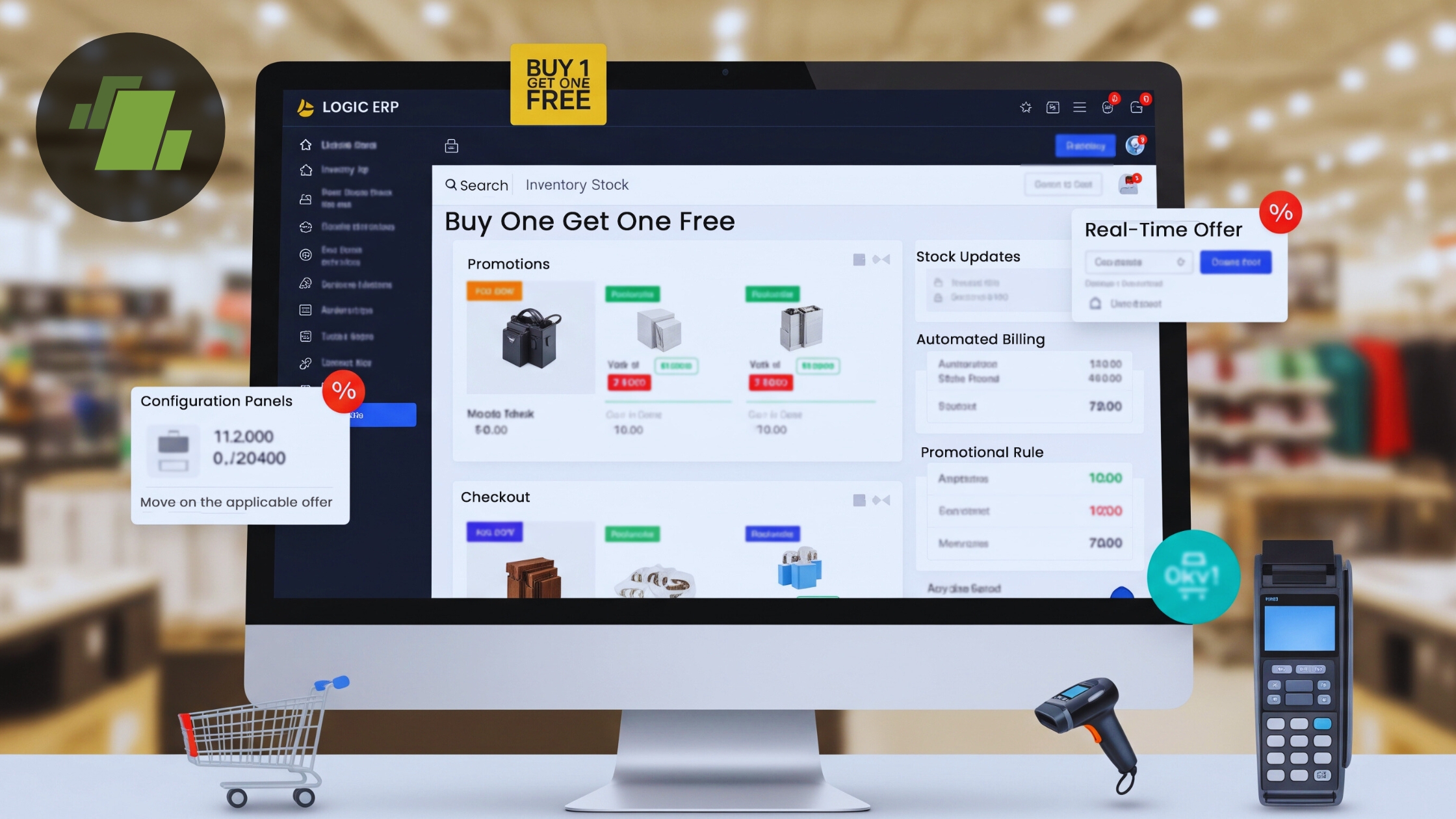
Promotional offers play an important role in driving retail sales, and among them, Buy One Get One Free (BOGO) schemes consistently deliver strong results. Retailers use BOGO promotions to increase order value, move excess inventory, and attract price-sensitive customers.
LOGIC ERP offers a powerful and flexible promotional scheme module that allows businesses to configure BOGO offers with complete automation at the billing level. Once configured, the system applies the scheme automatically, ensuring accuracy, speed, and consistency across all sales transactions.
This step-by-step guide explains how to configure a Buy One Get One Free promotional scheme in LOGIC ERP, how it works during billing, and why it benefits retail businesses.
What Is a Buy One Get One Free (BOGO) Scheme?
A Buy One Get One Free scheme allows customers to receive an additional item free when they purchase a defined quantity of products. In most retail scenarios, the free item is either the same product or the lowest-priced item in the selected group.
Why BOGO Schemes Are Effective in Retail Business
- Encourages customers to buy more products
- Increases average bill value
- Helps clear slow-moving or excess inventory
- Creates a strong perception of value
- Improves customer satisfaction and loyalty
LOGIC ERP automates this entire process, eliminating manual calculations and billing errors.
Overview of LOGIC ERP Promotional Scheme Management
LOGIC ERP includes a structured Scheme Campaign Management system for retail stores, apparel brands, supermarkets, franchises, and multi-store operations that supports:
- Quantity-based schemes
- Brand-wise and company-wise promotions
- Automatic scheme detection at billing
- Free item logic based on price or priority
- Seamless POS and touch-screen billing integration
Step-by-Step Guide to Configure BOGO Scheme in LOGIC ERP
Step 1: Create a Scheme Campaign
Purpose: This creates the base campaign for your BOGO promotion.
Steps:
- Navigate to Configuration Menu
- Open Setup Scheme Campaign
- Click Refresh
- Enter a Scheme Campaign Name (example: “BOGO Retail Offer”)
- Define the Start Date and End Date
- Click Save
Your promotional campaign is now created and ready for configuration.
Step 2: Define Group Options
Purpose: This defines how and where the scheme will be applied.
Steps:
- Go to the Group Options tab
- Select your newly created Scheme Campaign
- Enter a Group Name
- In Scheme Group Type, press the Space key
- Select the appropriate option (Brand, Company, Item Group, etc.)
- Click Save
After saving, move to the Scheme Groups tab.
Step 3: Assign Brand or Company to the Scheme
Purpose: Determines which brand or company products are eligible for the BOGO scheme.
Steps:
- In the Scheme Groups tab, locate your group
- Click Select Company
- Choose the relevant Brand or Company
- Click Save
The selected brand appears in the grid, confirming successful assignment.
Step 4: Configure Scheme Slab Details (BOGO Logic)
Purpose: Defines the Buy One Get One Free rule.
Steps:
- Go to Configuration Menu
- Open Scheme Campaign Slab Details
- Select your Scheme Campaign
- Enter slab details:
- Slab Value: 2
- Free Quantity: 1
- In Free Issue Method, press the Space key
- Select Lowest Rate Free
- Click Save

Why Lowest Rate Free Is Important
When multiple products are billed, LOGIC ERP automatically identifies the lowest-priced item and applies it as the free product, ensuring fair and consistent discount logic.
Step 5: Apply the BOGO Scheme During Sales Billing
Purpose: Understand how the scheme works at checkout.
Steps:
- Open Sales Bill – Touch Screen
- Start a new transaction
- Scan or enter products belonging to the configured brand
- Add minimum two eligible items
- Save the bill
What Happens Next
- The Scheme Selection window appears
- Select the Buy One Get One Free scheme
- The system automatically highlights the free item
- Click OK
The free item value is:
- Automatically deducted from the bill total
- Displayed under the Discount Amount column
No manual intervention is required.
How the BOGO Scheme Works in Real Time
- LOGIC ERP evaluates the item quantity in the bill
- Confirms scheme eligibility
- Identifies the lowest-priced item
- Applies the free quantity
- Adjusts the final bill automatically
This ensures fast checkout, error-free billing, and consistent promotions across all counters and locations.
Business Benefits of Using BOGO in LOGIC ERP
Implementing a Buy One Get One Free (BOGO) promotional scheme in LOGIC ERP offers measurable business advantages for retailers, wholesalers, and multi-store enterprises. With automated scheme logic and real-time billing integration, BOGO promotions become both profitable and operationally efficient.
1. Increased Sales Volume and Higher Cart Value
BOGO offers motivate customers to purchase more items per visit, increasing the average bill value. Since customers perceive greater value in “getting more for the same price,” BOGO promotions naturally drive bulk purchases and repeat buying behavior.
2. Faster Billing Process at Checkout
LOGIC ERP automatically detects eligible products and applies the BOGO scheme instantly during billing. This automation eliminates manual discount entry, significantly reducing checkout time and improving billing efficiency especially during peak store hours.
3. Zero Billing Errors and Accurate Discounts
With predefined rules and automated calculations, LOGIC ERP ensures error-free discount application. The free item is calculated accurately, displayed transparently on the bill, and reflected correctly in accounting records, removing the risk of human error.
4. Better Inventory Movement and Stock Clearance
BOGO schemes are highly effective for moving slow-selling or excess inventory. LOGIC ERP deducts both sold and free items from stock in real time, ensuring accurate inventory tracking while helping retailers maintain healthy stock turnover.
5. Higher Customer Satisfaction and Trust
Customers can clearly see the free item and discount value on their sales bill, which builds transparency and trust. A smooth checkout experience combined with visible savings increases customer satisfaction and encourages brand loyalty.
Best Practices for Running BOGO Promotions
- Use limited-time campaigns to create urgency
- Promote the offer at POS, in-store displays, and digital channels
- Monitor scheme performance through ERP reports
- Adjust slab values and free item logic based on sales insights
- Avoid overlapping multiple schemes on the same products
Conclusion
Configuring a Buy One Get One Free promotional scheme in LOGIC ERP is simple, structured, and highly effective. Once set up, the scheme works automatically at billing, ensuring accuracy, speed, and consistent customer experience across all transactions.
This feature is especially beneficial for retailers, supermarkets, apparel stores, and multi-location businesses looking to run scalable and profitable promotional campaigns without operational complexity.
Call at +91-73411-41176 or send us an email at sales@logicerp.com to book a free demo for a retail software solution today!
Frequently Asked Questions (FAQs)
1. What is a Buy One Get One Free (BOGO) scheme in retail ERP?
A Buy One Get One Free scheme in LOGIC ERP is a promotional offer where customers receive an additional item free when they purchase a specified quantity of eligible products. The ERP automatically applies the scheme during billing based on predefined rules.
2. How do I set up a BOGO offer in ERP software?
To set up a BOGO offer in LOGIC ERP, you need to create a scheme campaign, define group options, assign a brand or company, configure scheme slab details with quantity and free item logic, and then apply the scheme during sales billing.
3. Can LOGIC ERP automatically apply BOGO offers at billing?
Yes, LOGIC ERP automatically detects eligible items during billing and applies the Buy One Get One Free scheme without any manual calculations. The free item value is adjusted instantly in the bill total.
4. What is the minimum quantity required for a BOGO scheme in LOGIC ERP?
For a standard Buy One Get One Free scheme, the minimum quantity required is two items, one paid item and one free item. This quantity can be customized using scheme slab settings.
5. How does LOGIC ERP decide which item is given free?
LOGIC ERP uses the Free Issue Method setting. When configured as Lowest Rate Free, the system automatically selects the lowest-priced item from the eligible products as the free item.
6. Can BOGO schemes be applied brand-wise or company-wise?
Yes, LOGIC ERP allows BOGO schemes to be applied brand-wise, company-wise, or group-wise. This flexibility helps retailers target specific product lines or business units.
7. Will the free item appear on the sales bill?
Yes, the free item appears on the sales bill, and its value is reflected in the Discount Amount column. This ensures transparency for both customers and accounting records.
8. Can multiple BOGO schemes run at the same time in LOGIC ERP?
LOGIC ERP supports multiple promotional schemes, but overlapping rules should be carefully managed to avoid conflicts. It is recommended to assign clear date ranges and product groups.
9. Is the BOGO scheme suitable for supermarkets and apparel stores?
Yes, Buy One Get One Free schemes in LOGIC ERP are widely used by supermarkets, apparel stores, footwear retailers, and multi-store chains to increase sales volume and customer engagement.
10. Does BOGO affect inventory stock levels in LOGIC ERP?
Yes, both the sold item and the free item are deducted from inventory, ensuring accurate stock tracking and real-time inventory updates.
11. Can I track the performance of BOGO schemes in LOGIC ERP?
Yes, LOGIC ERP provides reporting tools that allow businesses to analyze scheme usage, discount impact, sales growth, and inventory movement during promotional periods.
12. What are the main benefits of using BOGO schemes in LOGIC ERP?
The main benefits include automated billing, increased sales volume, reduced checkout time, accurate discount application, better inventory clearance, and improved customer satisfaction.

Author
Sharanjit Ghuman
Director of Communications | LOGIC ERP Solutions Pvt. Ltd.
Leading and managing the company’s internal and external communication strategies and working closely with senior leadership to develop and execute communication plans.


