How to Set Up Customer Special Occasion Discounts in LOGIC ERP (Birthday & Anniversary)

Introduction
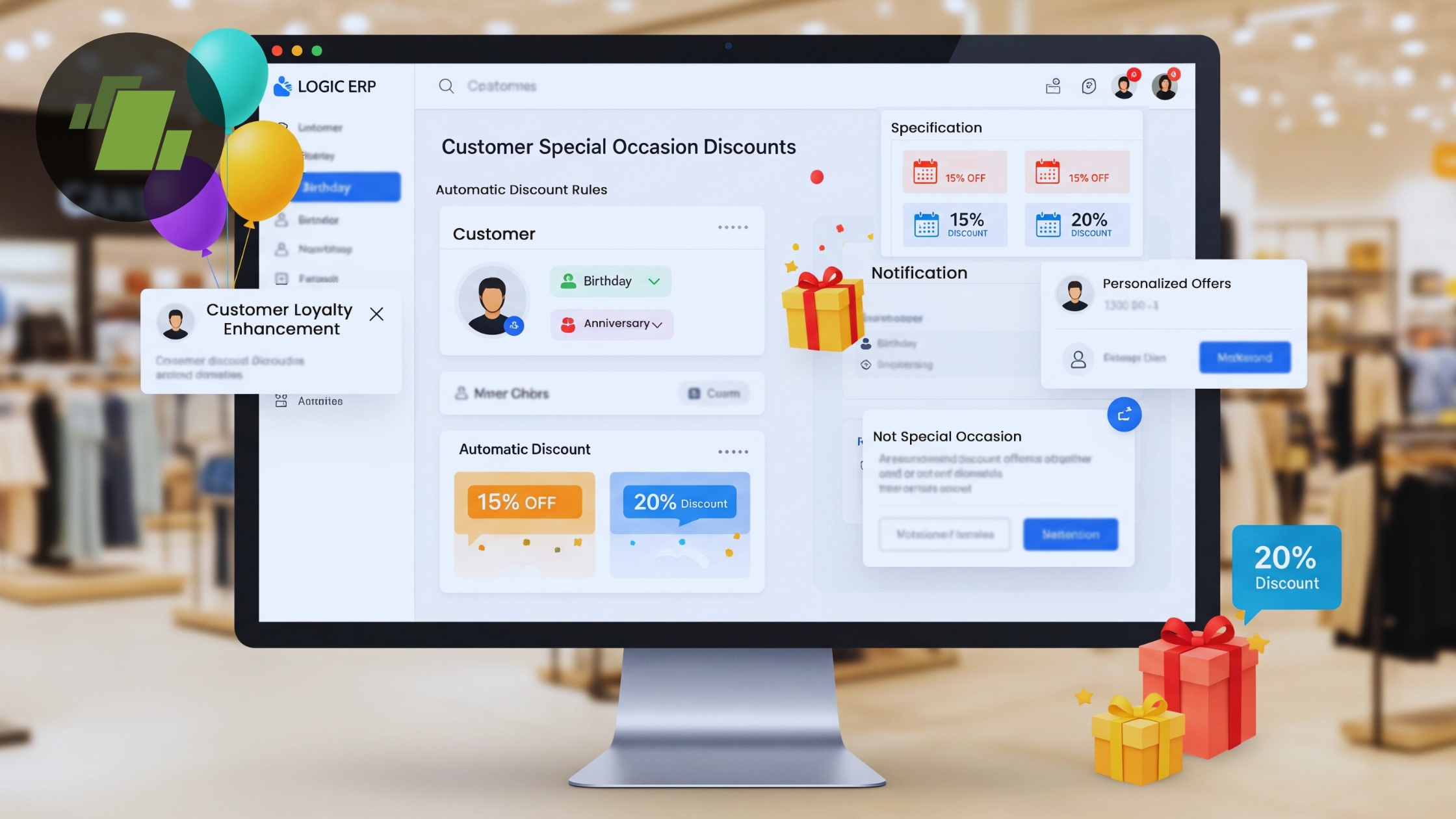
Customer loyalty today is driven by personalized experiences, not just competitive pricing. One of the most effective ways to delight customers and increase repeat purchases is by offering special occasion discounts such as birthday and anniversary offers.
With LOGIC ERP, businesses can easily automate birthday and anniversary discounts and apply them directly at the billing level, ensuring accuracy, consistency, and a better customer experience.
In this blog, we’ll walk you through how to set up customer special occasion discounts in LOGIC ERP, step by step.
Why Special Occasion Discounts Matter for Retail Businesses
Special occasion discounts are not only part of promotions. These discount schemes create emotional connections with customers.
Key Benefits:
- Encourages repeat purchases
- Improves customer retention
- Creates a personalized shopping experience
- Boosts brand loyalty
- Increases sales during non-peak periods
Automating these discounts through ERP eliminates manual errors and ensures every eligible customer receives the benefit.
What Are Customer Special Occasion Discounts in LOGIC ERP?
Customer Special Occasion Discounts in LOGIC ERP allow businesses to automatically apply predefined discounts on:
- Customer Birthdays
- Customer Anniversaries
These discounts are triggered based on customer data and applied directly during the sales billing process, without manual intervention.
Step-by-Step Guide to Set Up Special Occasion Discounts in LOGIC ERP
Let’s understand this complete guide to set up special occasion discount in LOGIC ERP:
Step 1: Navigate to the Setup Module
To begin the configuration:
- Go to the Setup Module
- Under Setup Accounts, open Setup Customer Database
- Click on Setup Customer Special Occasion Discounts
This section allows you to define rules for birthday and anniversary discounts.
Step 2: Configure Discount Rules
Enable One-Time Discount (Optional)
LOGIC ERP provides an option to apply discounts only once per customer.
- Enable Allow Discount Only Once if required
- This ensures customers do not misuse recurring discounts
Configure Birthday Discount
To set up birthday discounts:
- Enable Allow Birthday Discount
- Define the Valid Days (for example, before or after the birthday)
- Enter the Discount Percentage
- Select the appropriate Discount Field from the dropdown list
This ensures the discount is applied automatically when a customer shops during the defined period.
Configure Anniversary Discount
Similarly, for anniversary discounts:
- Enable Allow Anniversary Discount
- Define Valid Days
- Set the Discount Percentage
- Choose the Discount Field
Once all configurations are complete, save the changes.
Step 3: Apply Discount During Sales Billing
After configuration:
- Open the Sales Bill Window
- Initiate a new transaction
- Select an existing customer or create a new one
For new customers, enter:
- Customer name
- Mobile number
- Date of birth or anniversary date
When saving the voucher, the system automatically applies the discount, which appears in the TD (Trade Discount) column, confirming successful application.
How LOGIC ERP Ensures Accuracy and Automation
LOGIC ERP’s rule-based discount process for retail chains, distributors, and omnichannel businesses ensures:
- Automatic discount application
- No manual calculation errors
- Consistent customer experience across stores
- Centralized control over discount policies
Best Practices for Using Special Occasion Discounts
- Keep discount percentages attractive but profitable
- Limit discounts to one-time use when needed
- Combine discounts with SMS or WhatsApp reminders
- Regularly review performance through ERP reports
Who Can Benefit from This Feature?
Special occasion discounts are best for:
- Retail stores
- Apparel & fashion brands
- Supermarkets
- Footwear & lifestyle stores
- Franchise and multi-store businesses
Why Choose LOGIC ERP for Customer-Centric Promotions?
LOGIC ERP offers:
- ERP-native discount automation
- Real-time billing integration
- Scalable setup for single or multiple locations
- Proven success with top retail brands
It helps businesses move beyond generic discounts to data-driven, personalized offers.
Conclusion
Customer special occasion discounts are the best way to build loyalty and increase sales when executed correctly. With LOGIC ERP, businesses can configure and apply birthday and anniversary discounts effortlessly, directly at the billing level.
By automating these promotions, you ensure accuracy, consistency, and a superior customer experience without increasing operational effort. Call at +91-73411-41176 or send us an email at sales@logicerp.com to book a free demo today!
Frequently Asked Questions (FAQs)
1. Can I apply birthday discounts only once per customer?
Yes, LOGIC ERP allows you to enable one-time discount applications.
2. Are discounts applied automatically during billing?
Yes, discounts are auto-applied based on customer data during the sales bill process.
3. Can I set different discount percentages?
Absolutely. You can define custom discount percentages for birthdays and anniversaries.
4. Is this feature suitable for multi-store businesses?
Yes, LOGIC ERP supports centralized discount management across multiple locations.
Author
Sharanjit Ghuman
Director of Communications | LOGIC ERP Solutions Pvt. Ltd.
Leading and managing the company’s internal and external communication strategies and working closely with senior leadership to develop and execute communication plans.


