How to Choose Multi-Store Retail POS Software?

Summary
The right multi-store retail POS software streamlines sales, inventory, billing, and customer management across outlets, offering cloud access, real-time tracking, CRM, and scalable operations. LOGIC ERP is a top solution for efficient multi-store retail management.
Key Takeaways
- Manage all outlets from a centralized multi-store POS system for consistent operations.
- Track stock levels and transfers in real-time with POS inventory management software.
- Access your retail data anytime with cloud-based POS software for multi-chain stores.
- Enable fast and accurate billing using advanced POS billing software features.
- Boost repeat sales with integrated customer loyalty programs and CRM.
- Scale your retail chain easily without disrupting operations using a scalable multi-store POS system.
- Simplify finances and operations through integration with accounting and ERP systems.
Introduction
Choosing the right multi store retail POS software is one of the most important decisions a retail business can make. The right solution does more than just process sales, it centralizes inventory, streamlines billing, supports customer loyalty, and scales with your business across multiple outlets. With the right features, a modern point of sale software becomes the centralized system of your retail operations.
In this guide, we’ll walk you through everything you need to know when selecting the best retail POS system for your multi chain stores.
What is Multi Store Retail POS Software?
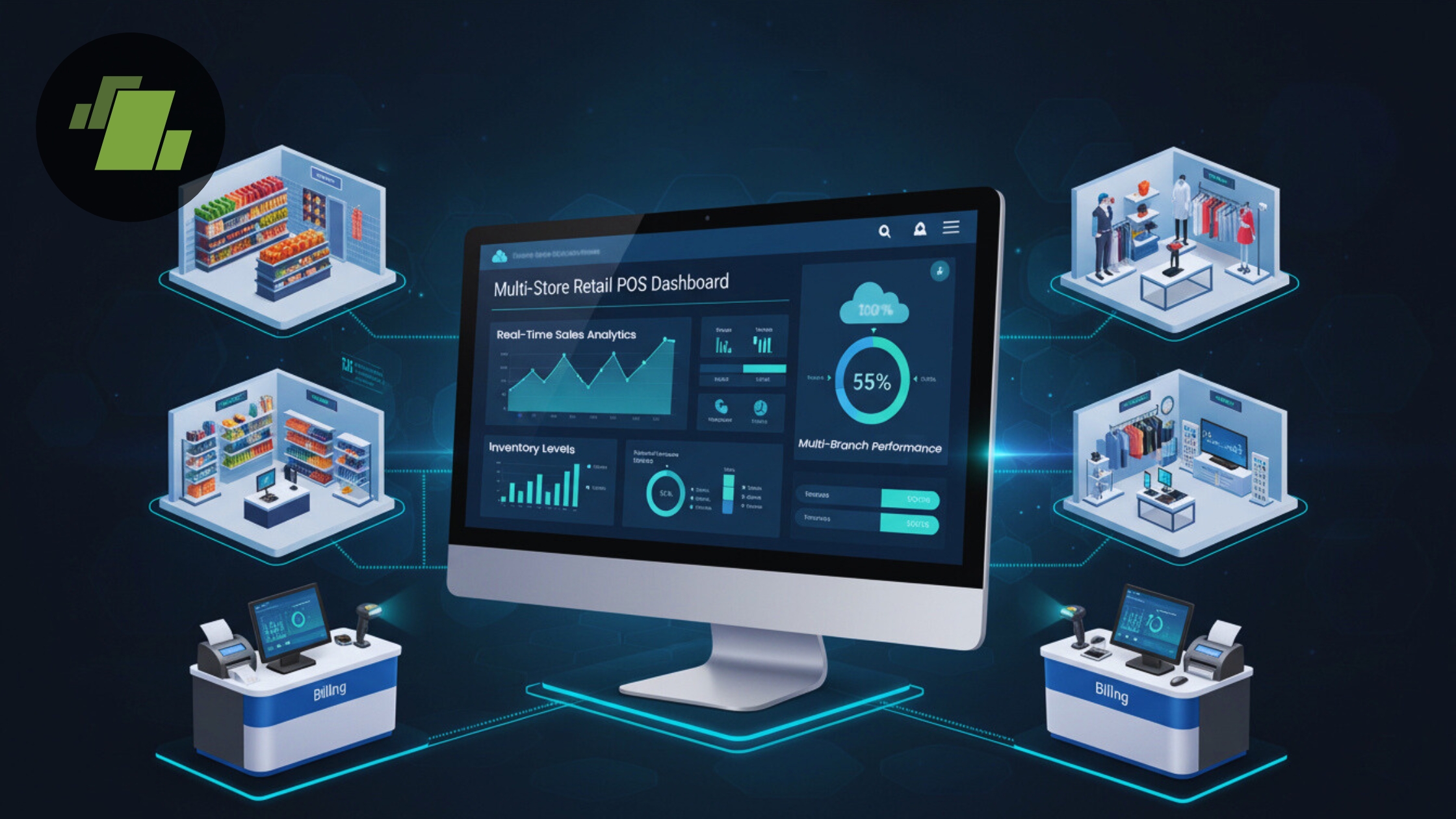
Multi store POS software is a centralized retail management system designed to support businesses with multiple outlets. Unlike a single store POS billing software, a multi store system synchronizes inventory, sales data, pricing, promotions, and customer insights across every branch. It provides real time control, powerful reporting, and scalable infrastructure for businesses looking to grow.
A strong multi store POS system integrates POS hardware and software, enabling seamless scanning, billing, and checkout experiences at every store location.
1. Look for Centralized Management Capabilities
The core value of multi store POS software lies in centralized control. A system like LOGIC ERP lets you manage:
- Outlet wise sales and performance
- Store pricing and promotional offers
- Multi location inventory from one dashboard
- Staff roles and permissions
- Unified reporting across branches
Centralized systems eliminate the need to log into multiple dashboards and help maintain consistent operations across outlets.
2. Evaluate Real Time Inventory Synchronization
Inventory accuracy is important for retail success. The best POS inventory management software provides:
- Live stock levels across all stores
- Automated low stock alerts
- Batch and expiry tracking
- Inter store transfers with full visibility
Real time inventory tracking helps prevent overstocking or stockouts and offers complete transparency for all your outlets.
3. Ensure Fast and Accurate POS Billing
Faster checkout processes lead to enhanced customer satisfaction. Choose a POS billing software that includes:
- Barcode support
- Automated tax and discount calculations
- Multiple payment method handling
- Integrated receipt printing
Smooth billing helps you maintain short queues and reduces customer frustration during peak hours.
4. Integrated Reporting and Analytics
Advanced reporting is essential for effective decision making. The right retail POS software gives you:
- Store wise sales and profit reports
- Customer buying behavior insights
- Inventory valuation reports
- Daily performance dashboards
- Trend analysis and forecasting
Comprehensive analytics help you understand what’s working, and what’s not, across your entire retail chain.
5. Consider Cloud Based and Mobile Access
Today’s modern retailers need mobility. Cloud based POS software offers:
- Remote access to data from anywhere
- Automatic backups and updates
- Real time dashboard access on mobile apps
- Secure remote authentication
This ensures you stay in control, even when you’re offsite, using online POS software capabilities.
6. Customer Management and Loyalty Programs
Customer retention drives profitability. The best retail POS software includes CRM features such as:
- Centralized customer database
- Purchase history tracking
- Points based loyalty rewards
- Targeted promotions
These features help you build stronger relationships and increase repeat sales.
7. Scalability and Business Growth Support
As your business expands, your POS software should grow with you. A top multi store POS system should allow:
- Easy addition of new outlets
- Franchise or company owned store support
- Standardized pricing and inventory templates
- Centralized rollout of new processes
This ensures your system remains efficient even with 5 or 50 locations.
8. Security, Compliance & Data Protection
Data safety can’t be ignored. Look for:
- Role based access control
- Automated data backups
- Audit logs and user history tracking
- GST and tax compliance features
- Encrypted cloud storage
Secure POS system software protects both your business and your customers.
9. Seamless Integration with Accounting & ERP
A modern multi store solution should integrate easily with:
- Accounting software like QuickBooks
- Enterprise systems and ERP solutions
- E commerce platforms
- Payment gateways
This enables smoother operations and reduces double entry errors across systems.
10. Evaluate Vendor Support and Training Resources
Successful implementation depends on support availability. Choose a provider that offers:
- Onboarding and setup assistance
- Live training and help guides
- Ongoing technical support
- Regular updates and feature releases
Quality support ensures your team adopts the system quickly, with minimal disruption.
Comparison: Multi Store vs. Single Store POS Software
| Feature | Multi-Store POS Software | Single-Store POS Software |
|---|---|---|
| Centralized Management | ✔️ Yes | ❌ No |
| Real-Time Inventory Sync | ✔️ Yes | ❌ Store Only |
| Multi-Outlet Reporting | ✔️ Yes | ❌ Limited |
| Scalable for Growth | ✔️ Yes | ❌ Not Easily |
| Cloud Access | ✔️ Yes | Depends |
| CRM & Loyalty Support | ✔️ Common | Optional |
Conclusion
Selecting the right multi store retail POS software is important for retail chains that want consistent operations, real time insights, and scalable growth. By focusing on features like centralized management, real time inventory tracking, mobile access, and advanced reporting, you can choose a solution that strengthens your business.
LOGIC ERP, as a powerful multi store POS and billing software, helps to meet these needs, offering centralized control, real time synchronization, and robust retail features to support efficient, scalable operations.
Call at +91-73411-41176 or send us an email at sales@logicerp.com to book a free demo today!
Frequently Asked Questions (FAQs)
1. What is multi-store retail POS software?
Multi-store retail POS software is a centralized point of sale system that manages sales, billing, inventory, and customer data across multiple outlets, enabling real-time reporting and efficient multi-chain retail operations.
2. How do I choose the best POS software for multi-store retail?
Look for POS software features like centralized management, real-time inventory synchronization, multi-outlet reporting, cloud access, CRM integration, scalable expansion, and seamless integration with accounting or ERP systems.
3. Can POS software manage multiple stores from a single dashboard?
Yes, modern multi-store POS software allows retailers to monitor outlet-wise sales, inventory, pricing, promotions, and staff performance from a single retail POS system dashboard.
4. Is cloud-based POS software better for multi-store retail chains?
Absolutely. Cloud-based POS software provides real-time data sync, remote access via mobile apps, automatic backups, and secure storage, making it ideal for multi-store operations.
5. Does multi-store POS software support inventory management across outlets?
Yes, advanced POS inventory management software tracks stock levels, manages inter-store transfers, sends low-stock alerts, and prevents stockouts or overstocking across all locations.
6. Can I integrate multi-store POS software with accounting and ERP systems?
Yes. The best POS system software supports integration with accounting tools and ERP solutions, and e-commerce platforms, streamlining operations and financial reporting.
7. How does POS software help with customer management and loyalty programs?
Integrated CRM features in retail POS software India allow businesses to manage customer data, track purchase history, and run loyalty programs, boosting repeat sales and customer retention.
8. Can multi-store POS software scale as my retail chain grows?
Yes, a scalable multi-store POS system supports adding new branches, warehouses, or franchise outlets while maintaining centralized pricing, promotions, and inventory control.
9. What security features should I look for in multi-store POS software?
Look for role-based access control, audit logs, encrypted cloud storage, and tax compliance features to ensure data safety and business compliance in POS software for retail stores in India.
10. How is POS software different for single-store vs multi-store retail?
Unlike single-store POS billing software, multi-store POS solutions provide centralized management, real-time inventory sync across outlets, multi-location reporting, scalability, and cloud-based access for seamless operations.

Author
Surendra Nayak
Vice President Enterprise Sales | LOGIC ERP Solutions Pvt. Ltd.
Leading LOGIC ERP enterprise sales with a strategic focus on driving revenue, enhancing customer satisfaction, and strengthening brand positioning.


