IMS Dashboard in GST: How to Use, Features & Benefits

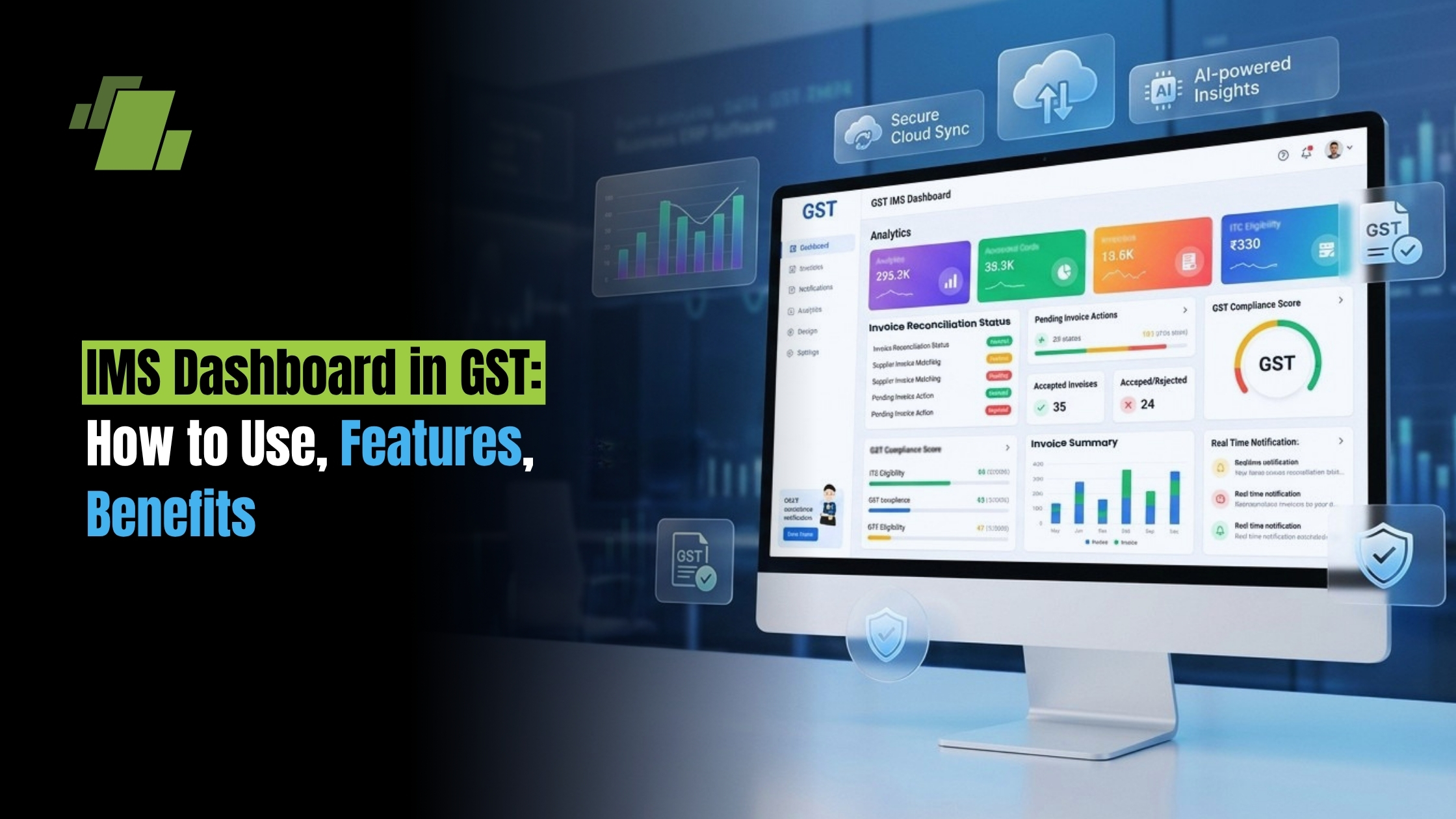
Navigating the complexities of Goods and Services Tax (GST) compliance has historically been a demanding task for businesses. Between matching input tax credits (ITC), chasing suppliers, and avoiding dreaded tax notices, tax professionals often find themselves buried in spreadsheets. However, the introduction of the ims dashboard in gst is fundamentally shifting how businesses handle their inward supplies and ITC claims.
By leveraging advanced automation and integrated workflows, the government has provided taxpayers with a highly efficient way to manage their invoices through the ims dashboard. Whether you are a small business owner or a seasoned tax consultant, mastering the new system is essential for smooth compliance and optimized cash flow.
Contact Us
Free Demo Request
What is the IMS Dashboard?
At its core, the ims dashboard (Invoice Management System) is an interactive, centralized hub provided by the government to help taxpayers seamlessly manage, review, and act upon the invoices uploaded by their suppliers.
If you think about centralized systems in other industries for instance, how an educational institution relies on an ims student dashboard to track academic progress, attendance, and notifications in one place; the GST IMS functions on a similar philosophy. It acts as a single source of truth for a business’s tax compliance, bringing scattered invoice data into a unified, easy-to-read interface.
With a clean user interface , the ims dashboard in gst portal upgrades the taxpayer experience from simple data entry to comprehensive system monitoring . It transforms raw data into actionable dashboard insights , allowing businesses to make informed decisions about their tax credits before filing their returns, supported by real-time reporting , data visualization , and modern dashboard tools.
Core GST Portal Invoice Management System Features
The government has packed the IMS with functionalities designed to reduce friction between buyers and suppliers. By integrating modern business intelligence concepts, the portal does much more than just list invoices.
Key features include:
- Action-Oriented Workflows: The most prominent feature is the ability for accepting or rejecting invoices in gst portal. Buyers can also mark invoices as “pending” if they need more time to verify the supply of goods or services.
- Real-Time Data Syncing: As soon as a supplier saves an invoice in their GSTR-1, it reflects on the buyer’s dashboard. This real-time reporting ensures that you always have the latest data at your fingertips.
- Visual Tracking: Through integrated data visualization and visual dashboard tools, taxpayers can instantly see a summary of accepted, rejected, and pending invoices without digging through complex tables.
- Seamless Integration with GSTR-2B: The actions taken on the ims dashboard gst directly influence your auto-drafted ITC statement, ensuring absolute accuracy.
A Step by Step Guide to Use GST IMS
Transitioning to a new compliance process can be daunting, but the IMS is designed to be intuitive. Here is a practical step by step guide to use gst ims to streamline your monthly filings.
1. Accessing the Portal
The process begins with the ims dashboard login. Navigate to the official GST portal, log in with your valid credentials, and head to the ‘Services’ tab. Under ‘Returns’, you will find the link to the Invoice Management System.
2. Reviewing Invoices
Once inside, you will see a list of all inward supplies uploaded by your vendors. The system categorizes these for easy viewing. Here, you have three primary actions:
- Accept: If the details match your purchase register and the goods/services have been received, accept the invoice.
- Reject: If an invoice does not belong to you, or the details are fundamentally incorrect, you can reject it.
- Keep Pending: Handling pending invoices in gst ims is incredibly useful. If you haven’t received the goods yet, or you are waiting on internal approvals, marking the invoice as pending rolls it over to the next tax period without losing the credit permanently.
3. Dealing with Changes and Amendments
What happens if a supplier corrects a mistake? The amended invoices in gst ims workflow is handled automatically. If a supplier files an amendment (in GSTR-1A or the next GSTR-1), the original invoice is replaced with the amended one on your dashboard, prompting you to take fresh action.
4. The Default Rule: Deemed Acceptance
It is crucial to understand the concept of deemed acceptance of invoices in gst. If you do not take any action (accept, reject, or pending) on an invoice by the time GSTR-2B is generated (typically the 14th of the following month), the system automatically considers those invoices as “Accepted.” Therefore, active monitoring is highly recommended to prevent unwanted ITC claims.
Transforming ITC Reconciliation: IMS vs Manual ITC Reconciliation
Historically, claiming Input Tax Credit involved downloading GSTR-2A/2B and running exhaustive VLOOKUPs against internal purchase registers. Comparing ims vs manual itc reconciliation reveals a night-and-day difference in efficiency.
Moving Beyond Spreadsheets
Manual reconciliation is prone to human error, missed deadlines, and lost credits. By reconciling itc using invoice management system, you automate the preliminary matching process. The system acts as a digital gatekeeper, ensuring you only claim what is legitimate.
Fixing Discrepancies Early
One of the greatest headaches for accounting teams is resolving invoice mismatches in gst portal . Previously, you would claim provisional credit or wait months to sort out a typo in an invoice value. Now, the IMS allows you to flag these issues instantly. If you are wondering how to rectify wrong gst credit through ims, the answer is proactive rejection. By rejecting an erroneous invoice, it is excluded from your GSTR-2B, preventing you from claiming incorrect ITC and having to reverse it later with interest.
The Impact of IMS on GSTR 2B Generation
Understanding the impact of ims on gstr 2b generation is vital for your monthly compliance cycle. GSTR-2B is your static auto-drafted ITC statement, and it dictates exactly how much credit you can claim in your GSTR-3B.
Before IMS, GSTR-2B was purely a reflection of what suppliers uploaded, regardless of whether the buyer agreed with the data. With the IMS, GSTR-2B is now generated based on the actions taken by the buyer on the dashboard.
- Accepted and Deemed Accepted invoices will flow into GSTR-2B as eligible ITC.
- Rejected invoices will not populate in your eligible ITC, protecting you from claiming fraudulent or incorrect credits.
- Pending invoices are deferred and will not appear in the current month’s GSTR-2B, pushing them to future months when you finally accept them.
Because of this direct link, supplier communication for gst invoice corrections must happen earlier in the month. If you reject an invoice on the 10th, you must communicate with your supplier so they can amend it before your GSTR-2B is frozen.
Major Benefits of Invoice Management System for Taxpayers
The transition to this proactive system brings a wealth of benefits of invoice management system for taxpayers.
1. Risk Mitigation
Perhaps the most significant advantage is reducing tax notice risks with ims. The GST department frequently issues notices for ITC mismatches between GSTR-3B and GSTR-2A/2B. By meticulously managing your inward supplies on the IMS, you ensure your claimed ITC perfectly matches government records, virtually eliminating the risk of mismatch notices.
2. Enhanced Analytics and Oversight
Modern tax functions rely heavily on data. Through deep ims analytics , businesses can evaluate supplier compliance behavior. Are certain vendors consistently uploading invoices late? Are there frequent errors? Utilizing these performance metrics allows CFOs to enforce stricter vendor payment terms based on GST compliance and to derive richer dashboard insights for planning.
3. Better Cash Flow Management
By ensuring that every valid invoice is accepted and accounted for promptly, businesses can maximize their eligible ITC claims. This directly reduces cash outflows for GST liability, optimizing working capital.
Overcoming Challenges and Resolving Technical Issues in GST IMS
While the system is robust, users may occasionally face hiccups. Resolving technical issues in gst ims usually involves a few best practices:
- Browser Optimization: Ensure you are using an updated, government-recommended browser. Clearing cache and cookies often resolves temporary glitches on the user interface.
- Offline Tool Usage: For businesses dealing with thousands of invoices, acting on them one by one on the portal is impractical. Utilize the offline utility tool provided by the GST Network (GSTN) to download the JSON file, reconcile it with your ERP, and upload your bulk actions back to the portal.
- Timely Action: Do not wait until the 13th of the month to start reviewing invoices. High traffic on the portal can cause slowdowns. Regular, weekly system monitoring ensures you are never caught off-guard.
Conclusion
The introduction of the ims dashboard represents a massive leap forward in India’s digital tax infrastructure. It empowers businesses to take control of their Input Tax Credit rather than being passive recipients of supplier data.
By familiarizing yourself with the gst portal invoice management system features , shifting away from manual processes, and leveraging the rich dashboard insights and business intelligence available, you can ensure airtight compliance. Embrace these tools not just as a statutory requirement, but as a strategic asset to safeguard your ITC, streamline your accounting workflows, and maintain a healthy, audit-ready business.

Call at +91-73411-41176/75 or send us an email at sales@logicerp.com to book a free demo today!
Frequently Asked Questions
1. What is the IMS Dashboard in GST?
The IMS (Invoice Management System) Dashboard is a feature available on the GST portal that allows taxpayers to review, accept, reject, or keep supplier invoices pending before they are reflected in GSTR-2B. It helps businesses manage Input Tax Credit (ITC) accurately, reduce reconciliation errors, and improve GST compliance.
2. How does the IMS Dashboard affect GSTR-2B and ITC claims?
The actions you take on the IMS Dashboard directly determine the invoices included in your GSTR-2B. Accepted and deemed accepted invoices appear as eligible ITC, rejected invoices are excluded, and pending invoices are carried forward to a future tax period until you take action.
3. What happens if I do not take any action on invoices in the IMS Dashboard?
If no action is taken before GSTR-2B is generated (generally on the 14th of the following month), the invoices are treated as deemed accepted. These invoices will automatically be included in your eligible ITC, making it important to review invoices regularly to avoid claiming incorrect tax credits.
4. Can I correct incorrect or duplicate invoices using the GST IMS Dashboard?
Yes. If an invoice contains incorrect details or does not belong to your business, you can reject it through the IMS Dashboard. Your supplier can then amend the invoice in their GSTR-1 or GSTR-1A, after which the corrected invoice will appear on your dashboard for review.
5. What are the main benefits of using the GST Invoice Management System (IMS)?
The GST IMS helps businesses automate ITC reconciliation, minimize manual errors, reduce GST notices caused by invoice mismatches, improve supplier communication, optimize cash flow through accurate ITC claims, and simplify monthly GST return filing with real-time invoice tracking.

Author
Gurbir Singh
Co-founder & Managing Director | LOGIC ERP Solutions Pvt. Ltd.
With 30+ years of experience in the tech industry, I took the helm of technology & product development, ensuring LOGIC ERP’s continuous innovation & leadership in the evolving tech landscape.