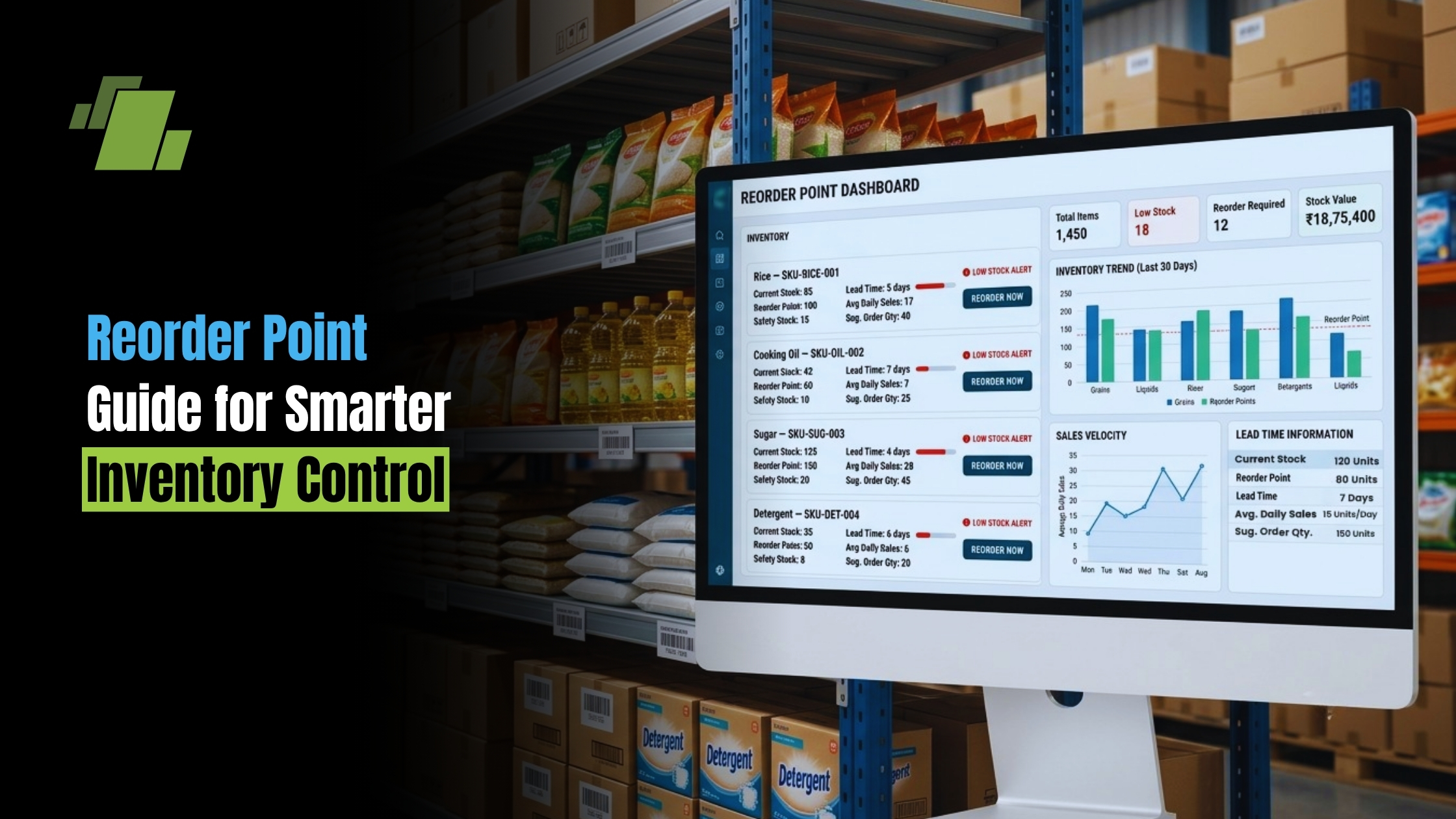
Reorder Point Guide for Smarter Inventory Control

Reorder Point Guide for Smarter Inventory Control

A reorder point is the stock level that tells you when to buy or make more items before you run out. Used well, it supports inventory control, protects sales, reduces rush buys, and keeps cash from sitting in extra stock. For retailers, makers, distributors, and repair teams, reorder points turn stock replenishment into a repeatable supply chain habit.

Contact Us
Free Demo Request

What is reorder point?

A reorder point is the stock level that triggers a new purchase order, production order, or restock action. In simple terms, it answers: How low can this item go before we need to reorder? The reorder point in inventory management is based on how fast you use the item, how long restock takes, and how much safety stock you want to keep.

If your reorder point is too low, you risk stockouts, backorders, rush shipping, and unhappy customers. If it is too high, you may carry more stock than needed, which can raise storage costs, spoilage risk, old stock, and cash pressure. The goal is not to hold the most stock possible. It is to hold the right amount at the right time.

Why reorder points matter for inventory control

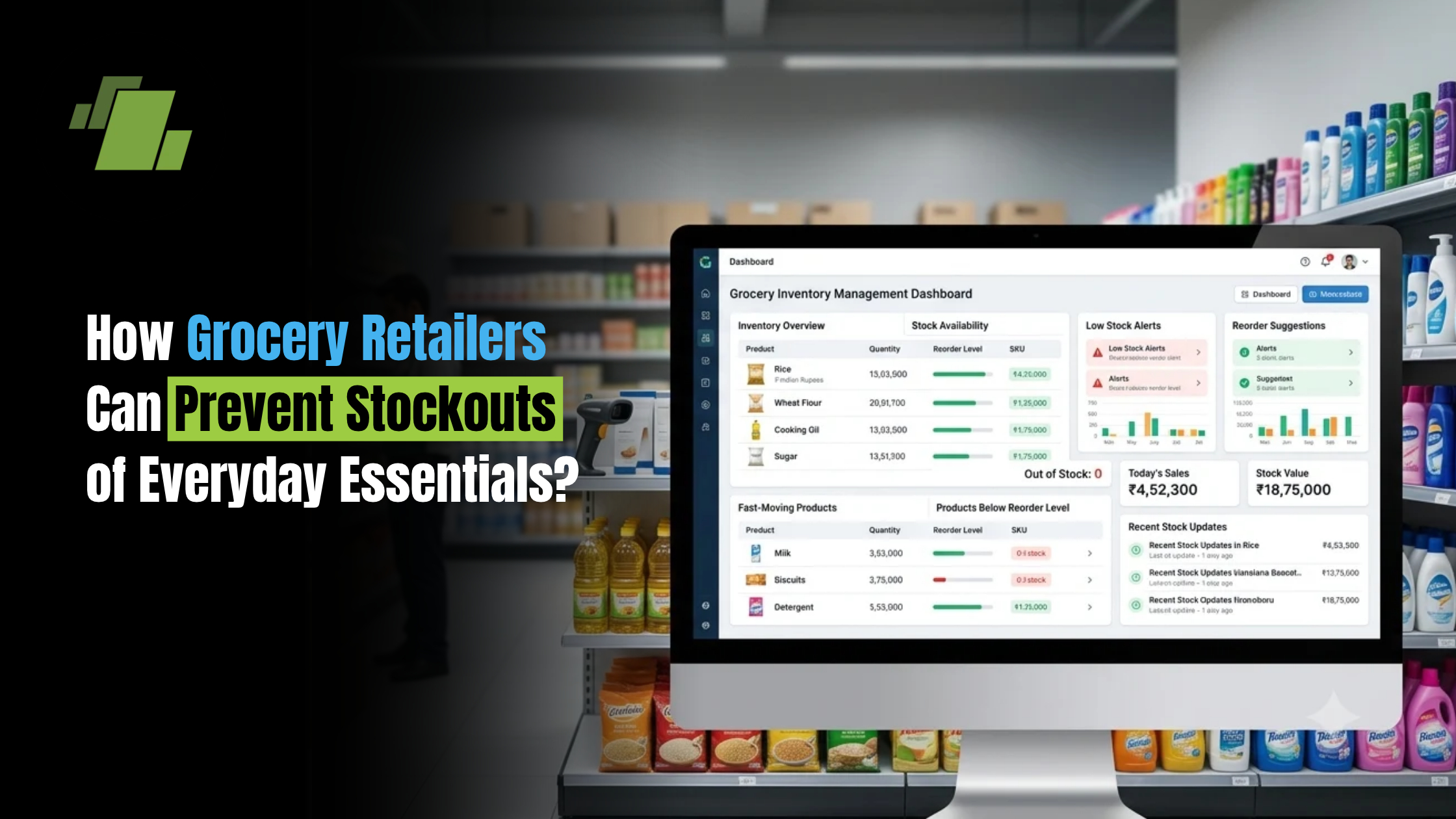
Reorder points matter because they link daily work with buying decisions. Instead of waiting until a shelf, bin, or warehouse spot is nearly empty, a reorder point gives your team an early signal based on demand and supplier lead time. This keeps stock replenishment tied to real business use.

In a fast-moving supply chain, even small timing slips can cause costly problems. A hot item may sell faster than planned, a supplier may be late, or a seasonal push may lift demand above normal. Reorder points help you plan for those events before they become urgent.

They also support better inventory optimization. When each SKU has a solid reorder point, buyers can focus on the items that need action. Warehouse teams can avoid overfilling tight space. Finance teams get a clearer view of working cash. Sales teams can trust that core items will be ready when customers need them.

Strong reorder point planning is especially useful when you manage many SKUs. Without clear triggers, teams often rely on habit, memory, or spreadsheet checks that happen too late. With clear reorder points, the business has one rule for when action is needed.

The reorder point formula in plain language

The standard reorder point formula is:

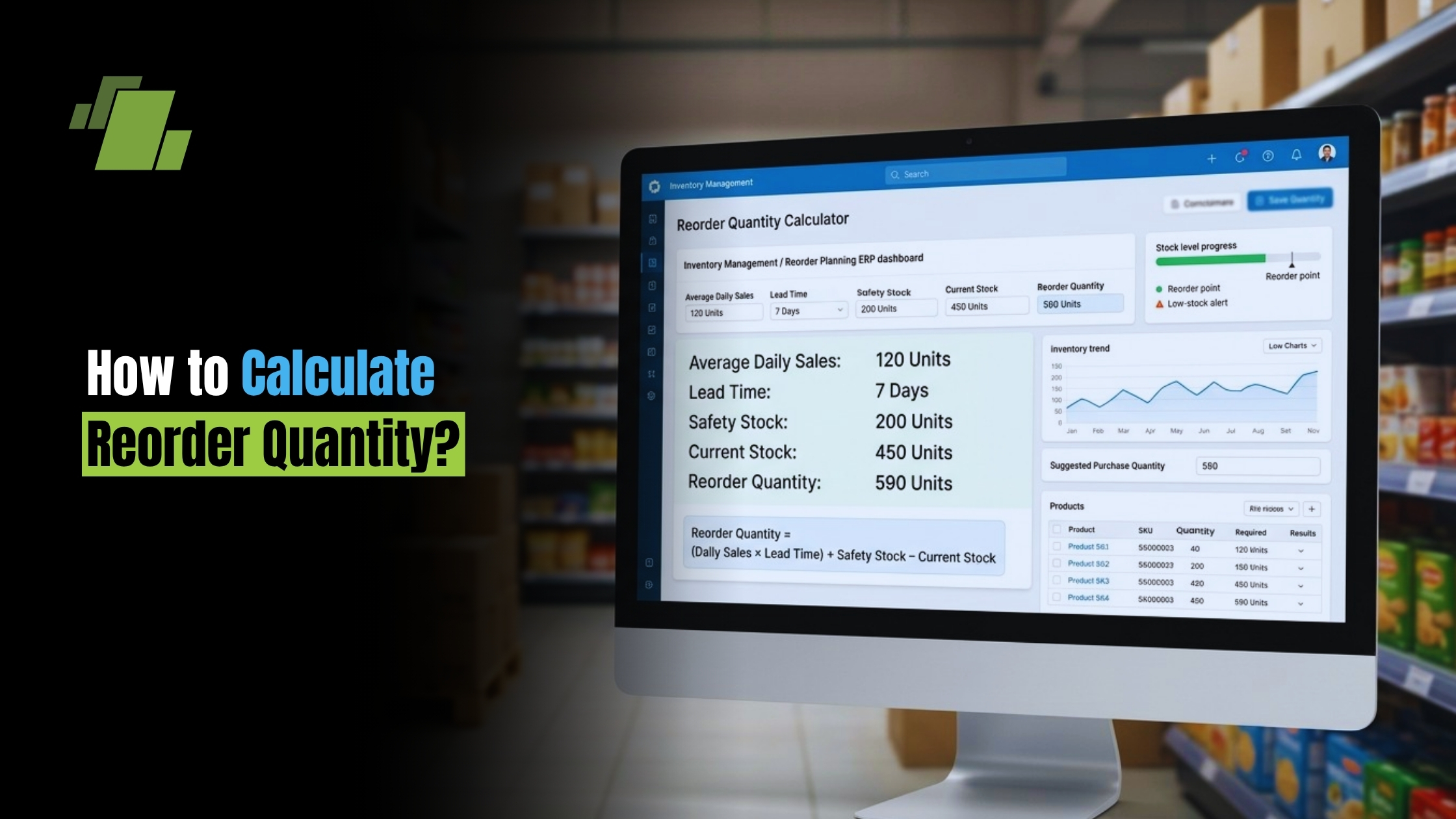
Reorder Point = (Average Daily Usage × Lead Time) + Safety Stock

Each part has a clear job:

  • Average daily usage shows how many units you usually sell, use, or issue each day.
  • Lead time is the number of days it takes for new stock to arrive or be made.
  • Safety stock is extra stock that protects you from demand spikes or supply delays.

For example, imagine a perfume retailer sells an average of 200 units per day. The supplier lead time is 7 days. The retailer also wants 5 days of safety stock, which equals 1,000 units.

The calculation would be:

(200 × 7) + 1,000 = 2,400 units

That means the retailer should reorder when available stock reaches 2,400 units. The first 1,400 units cover expected sales during the 7-day lead time. The other 1,000 units act as a cushion if demand rises or delivery takes longer than planned.

This example shows why a safety stock reorder point is often more useful than a formula that uses average demand alone. A basic calculation may work for stable products and good suppliers, but many businesses need a buffer to stay protected.

Book a Free Demo of LOGIC ERP Software Now!

How do you calculate reorder point accurately?

To calculate reorder point well, start with good usage data, fair lead time numbers, and a clear safety stock rule. The formula is simple. The quality of the inputs decides whether the result helps or hurts your inventory management. A reorder point based on stale sales patterns or wishful lead times can create a false sense of control.

Use this simple process:

  1. Measure average daily usage
    Review recent sales, production use, or parts use. Use a time span long enough to smooth out odd days, but not so long that old patterns hide current demand.
  2. Confirm average lead time
    Track how long it really takes from placing an order to having usable stock on hand. Include supplier work, shipping, receiving, checks, and putaway time where needed.
  3. Calculate expected lead time demand
    Multiply average daily usage by lead time. This is the amount you expect to use while waiting for restock.
  4. Add safety stock
    Safety stock protects against uncertainty. It is especially important for high-demand items, risky suppliers, imported goods, seasonal SKUs, and critical spare parts.
  5. Review the result against reality
    Ask whether the reorder point makes sense in practice. If the item is bulky, perishable, costly, or vital to the business, you may need to adjust the rule.

A common safety stock formula is:

Safety Stock = (Maximum Daily Usage × Maximum Lead Time) – (Average Daily Usage × Average Lead Time)

This method compares a more extreme demand and lead time case with the average case. It helps you build a buffer that reflects real swings rather than a random guess.

Safety stock protects against uncertainty

Safety stock is not extra stock for no reason. It is a planned reserve that absorbs variation in demand, supplier performance, and day-to-day timing. Without it, any disruption can push stock levels below what the business needs to run well.

Demand forecasting can improve reorder point accuracy, but forecasts are still estimates. A promotion may beat expectations. A customer may place a bigger order than usual. A machine may use spare parts faster than normal. Safety stock gives the business breathing room when real life does not match the average.

The right amount of safety stock depends on the item’s risk. A low-cost, fast-moving product with erratic demand may justify a larger buffer. A slow-moving, expensive item may need a smaller buffer unless a stockout would stop production or harm customer trust. For MRO and critical spare parts, minimum stock rules may support or replace formula-based reorder points because downtime can cost far more than holding a spare.

Safety stock should not become a place to hide weak planning. If buffers keep rising, look for the cause. The issue may be unstable lead times, poor demand data, supplier minimums, or weak visibility across sites.

Reorder point, reorder level, and order quantity are not the same

The difference between reorder point and reorder level is often subtle because the terms are sometimes used as one. In many day-to-day inventory talks, both mean the stock limit that starts replenishment. Still, some businesses use reorder level more broadly to mean a policy or minimum level, while reorder point means the calculated trigger based on demand, lead time, and safety stock.

It is also important to separate reorder point from order quantity. The reorder point tells you when to order. The order quantity tells you how much to order. Those two choices are linked, but they solve different problems.

Economic order quantity, often called EOQ, is one way to decide how much to order by balancing order costs and holding costs. EOQ does not replace the reorder point. Instead, the two can work together: the reorder point triggers the restock action, and EOQ or another rule sets the quantity.

Think of it this way:

  • Reorder point: We have reached 500 units, so it is time to reorder.
  • Order quantity: We should order 1,000 units this time.
  • Safety stock: We keep 150 units as a buffer against uncertainty.
  • Reorder level: This is the stock limit or rule that tells us when replenishment should begin.

Clear language prevents mistakes. If purchasing, warehouse, finance, and operations teams use the same terms in different ways, replenishment decisions get harder to manage.

Reorder points work best with forecasting and regular review

A reorder point should not be set once and then ignored. Sales speed changes, suppliers change, freight costs change, and product life cycles move from launch to growth to maturity and decline. A reorder point that worked six months ago may be too high or too low today.

Demand forecasting helps by giving teams a forward view. Instead of relying only on past averages, you can tune reorder points for expected seasonal peaks, planned promotions, new customer deals, or slower sales periods. This is where inventory control becomes more strategic: the business is not just reacting to last month, but preparing for what is likely to happen next.

For multi-site or multi-supplier operations, reorder points need even more care. The same SKU may sell fast in one region and slowly in another. One supplier may deliver in five days while another takes three weeks. A single company-wide reorder point may be too blunt for that level of difference.

Use these checks to keep reorder points current:

  • Review fast-moving SKUs more often than slow-moving items.
  • Update lead times based on real supplier performance, not guesses.
  • Adjust for seasonal peaks before demand changes, not after stockouts occur.
  • Treat new products with care until enough demand history exists.
  • Separate critical items from routine items so risk is managed well.
  • Recalculate after supplier changes, pack changes, or major sales shifts.

Common mistakes that weaken reorder point planning

Even businesses that know how to calculate reorder point can run into trouble if the process is not kept up. The most common mistakes usually come from poor data, unclear ownership, or overuse of averages.

Watch for these issues:

  • Ignoring lead time changes
    If a supplier usually delivers in 10 days but sometimes takes 18, the average alone may leave you exposed.
  • Using old demand data
    Past usage can create reorder points that no longer match current customer behavior.
  • Forgetting about stock on hand
    On-hand stock, reserved stock, inbound orders, and backorders may all affect whether restock is truly needed.
  • Using one rule for every SKU
    Perishables, luxury goods, spare parts, raw materials, and commodity items often need different rules.
  • Letting spreadsheets carry too much risk
    Manual tools can work at a small scale, but they become error-prone as SKUs, vendors, and sites grow.

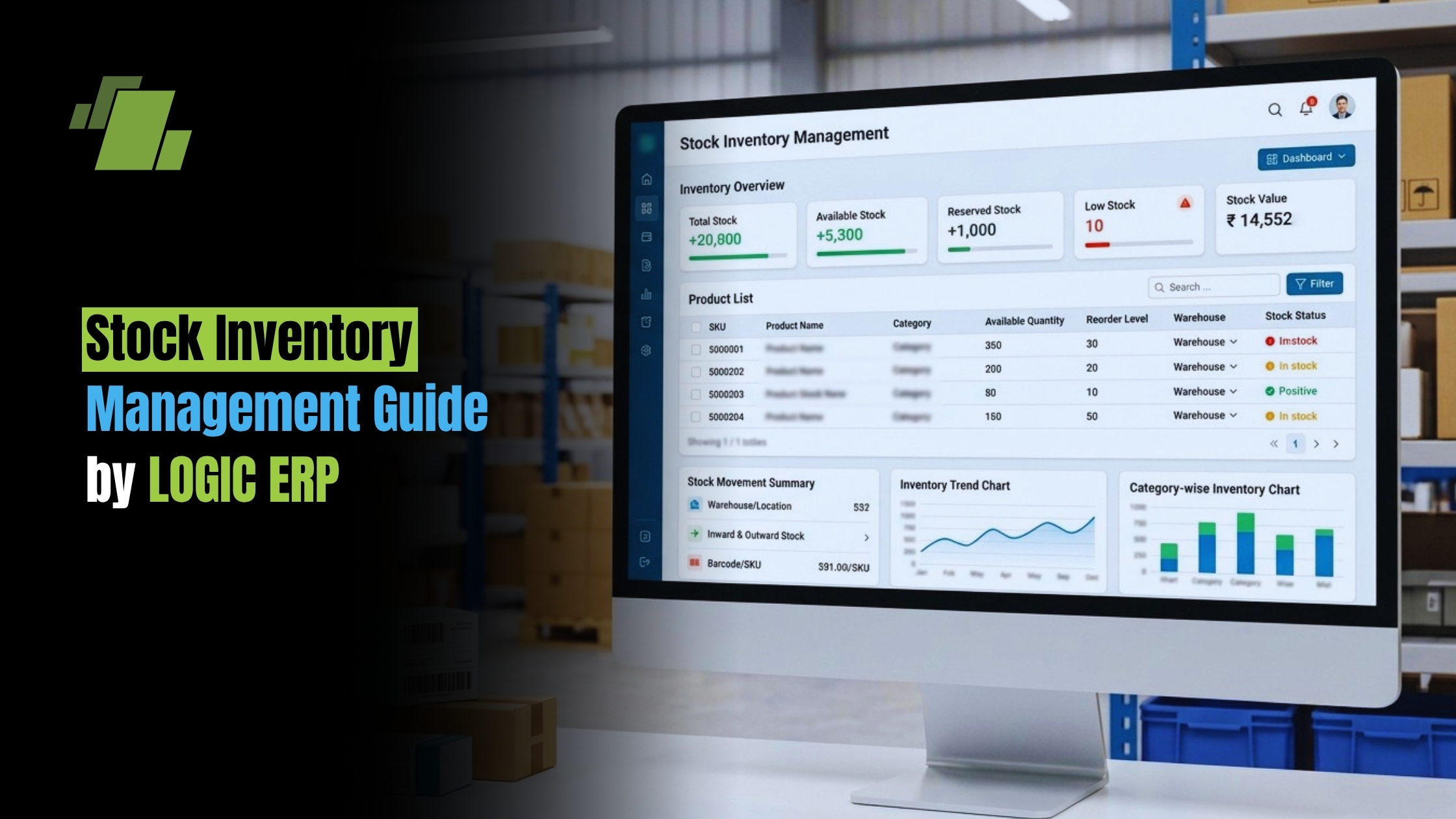
Inventory management software can help track stock levels in real time, flag items that hit reorder points, and update buying triggers as conditions change. Automation does not remove the need for human judgment, but it cuts repeat checks and helps teams respond faster.

A practical path to better inventory optimization

Improving reorder points does not require a full reset all at once. Start with the items that matter most: high-volume sellers, costly inventory, long-lead-time products, and critical operating supplies. These are the SKUs where better reorder point planning can quickly cut stockouts, excess stock, or operating stress.

From there, build a simple review routine. Decide who owns reorder point updates, how often reviews happen, and which data sources are trusted. Make sure purchasing and operations agree on lead time rules. Make sure sales or planning teams share upcoming demand changes early enough to affect replenishment.

A useful starter checklist includes:

  • Identify your most important SKUs by sales volume, margin, risk, or business impact.
  • Calculate baseline reorder points using average daily usage, lead time, and safety stock.
  • Compare the results with recent stockout or overstock patterns.
  • Adjust for demand forecasting signals, seasonality, and supplier limits.
  • Write down the final rule so teams know when and why to reorder.
  • Review results and refine the formula as better data arrives.

The best reorder point system is not the most complex one. It is the one your team understands, trusts, and reviews often.

Conclusion

Reorder points are a practical bridge between inventory data and daily replenishment decisions. By using the reorder point formula, adding thoughtful safety stock, and reviewing assumptions often, businesses can keep stock levels healthier without buying too much.

Whether you manage retail goods, manufacturing inputs, distribution stock, or critical spare parts, the rule is the same: reorder before the risk becomes urgent. With clear rules, better demand forecasting, and the right level of automation, reorder points can support smarter inventory optimization. 

Book a Free Demo of LOGIC ERP Software Now!

Call at +91-7341141176/75 or send us an email at sales@logicerp.com to book a free demo today!

Frequently Asked Questions

1. What is a reorder point in inventory management?

A reorder point is the stock level at which a business should place a new order or start replenishment to avoid stockouts.

2. How is the reorder point calculated?

The standard formula is: Reorder Point = (Average Daily Usage × Lead Time) + Safety Stock.

3. Why is safety stock important in reorder point planning?

Safety stock provides a buffer against unexpected increases in demand, supplier delays, and other supply chain uncertainties.

4. What is the difference between reorder point and order quantity?

The reorder point determines when to reorder, while the order quantity determines how much to order.

5. How can inventory management software improve reorder point planning?

Inventory management software can monitor stock levels in real time, identify items reaching reorder points, and automate replenishment alerts for faster and more accurate inventory control.

Gurbir Singh

Author

Gurbir Singh

Co-founder & Managing Director | LOGIC ERP Solutions Pvt. Ltd.

With 30+ years of experience in the tech industry, I took the helm of technology & product development, ensuring LOGIC ERP’s continuous innovation & leadership in the evolving tech landscape.

  • Logic Linkedin