Understanding TDS Online Payment Process

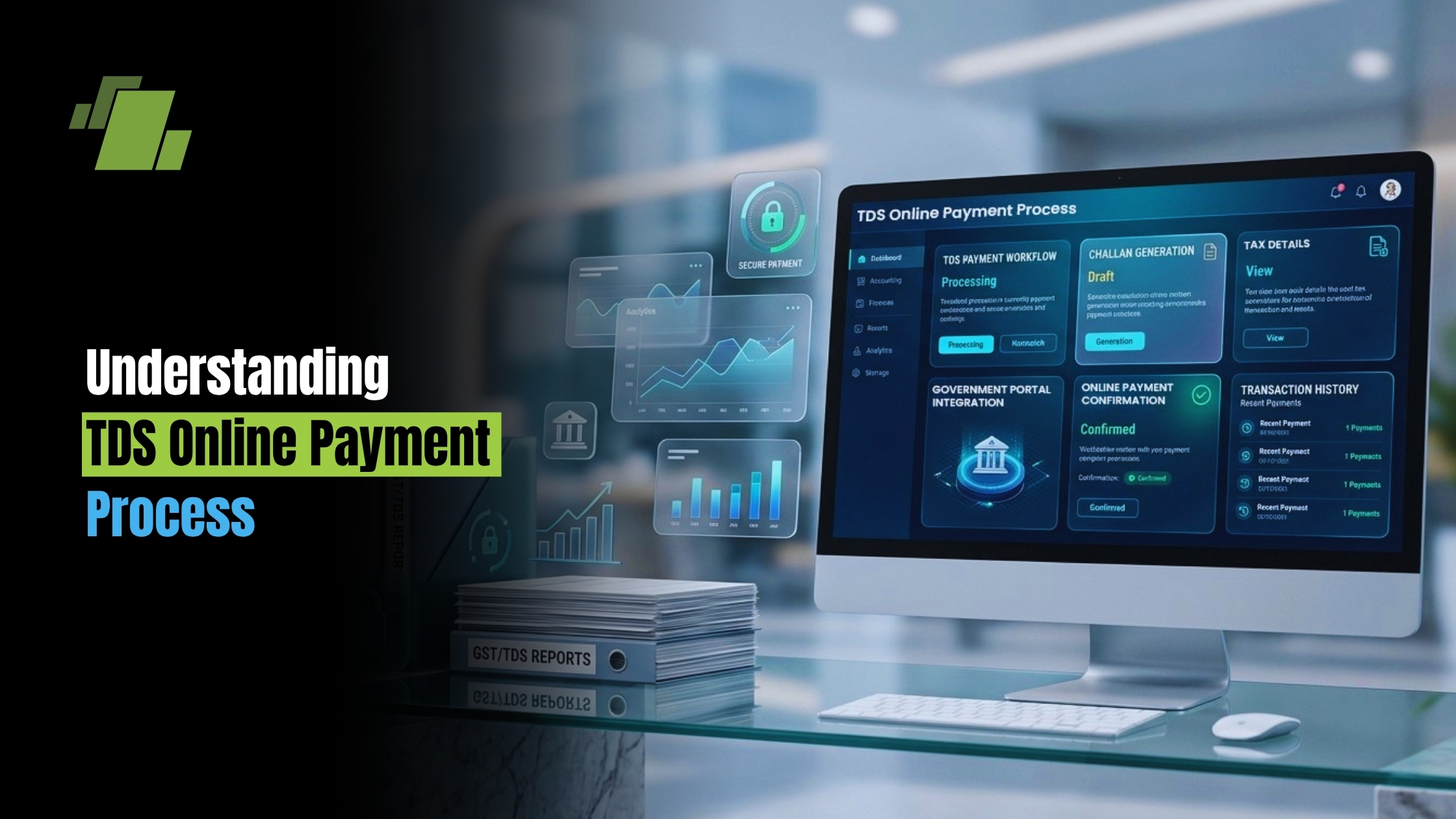
Navigating the world of taxes can be daunting. TDS, or Tax Deducted at Source, is a key component of India’s tax system and tax payment in India. It ensures tax collection at the source of income.
The online payment of TDS (often called online TDS payment or TDS e-payment) has simplified this process for many. It offers a convenient way to fulfill tax obligations without the hassle of paperwork.
Contact Us
Free Demo Request
Understanding the TDS online payment process and the broader TDS payment process is crucial for compliance. Businesses can simplify financial processes with automated finance and accounting solutions that help maintain accurate records and improve compliance.
This guide will walk you through the steps of making TDS payments online, including how to make TDS payment online with the official portals. From filing to paying interest on late payments, we’ve got you covered.
Let’s dive into the essentials of TDS online payment.
What is TDS and Why is it Important?
TDS stands for Tax Deducted at Source. It’s a method of tax collection that ensures income tax is collected directly at the source. This mechanism is crucial for streamlining the tax collection process.
Under TDS, the tax is deducted by the payer before the income reaches the recipient. This applies to salaries, interest, rent, and other earnings. The deducted amount is then paid to the government.
TDS serves multiple purposes:
- Ensures timely tax collection.
- Minimizes tax evasion.
- Provides a steady flow of revenue for the government.
The concept simplifies tax compliance for taxpayers. It reduces the year-end tax burden by distributing payments across the year.
Understanding TDS helps individuals and businesses stay compliant with tax laws in India. It also assists in avoiding penalties and interest on unpaid taxes. TDS not only benefits the government but also aids in financial planning for taxpayers.
Overview of TDS Online Payment System in India
The TDS online payment system has revolutionized tax payments in India. It offers a convenient and efficient way to meet tax obligations. This TDS payment system minimizes paperwork and reduces manual processing errors.
Developed by the National Securities Depository Limited (NSDL), the online portal simplifies the TDS payment procedure and is commonly referred to as TDS payment online NSDL. Taxpayers can access this TDS payment portal to fulfill their TDS obligations swiftly. The user-friendly design accommodates both individuals and business entities.
Key features of the TDS online payment system include:
- Secure transactions through net banking and debit cards.
- Real-time confirmation of payments.
- Access to detailed transaction history.
The system also ensures that taxpayers can track and manage their payments effectively. By integrating with the Income Tax Department’s database, it enables seamless updates and record-keeping. This digital approach aligns with India’s vision of enhancing transparency and efficiency in tax administration.
The transition to an online platform has empowered taxpayers. It allows for 24/7 availability, catering to the varied schedules of users across the country.
Prerequisites for Making TDS Payment Online
Before making a TDS payment online, taxpayers need certain essentials ready. These prerequisites ensure a smooth transaction process and avoid potential delays in the process of online TDS payment.
Firstly, ensure you have a valid TAN (Tax Deduction and Collection Account Number). This is crucial for all TDS-related activities. You should also have access to a reliable internet connection.
Additionally, make sure you have the following:
- A net banking account or a debit card for payment.
- Accurate details of the transaction, including the deducted tax amount.
- Access to the NSDL TDS payment portal.
Additionally, note that Challan ITNS 281 is an online tax payment challan used for most TDS deposits.
Being prepared with these prerequisites helps in completing the process efficiently, minimizing errors and ensuring compliance with the tax regulations.
Step-by-Step Process of Online TDS Payment via NSDL Portal
Paying TDS online through the NSDL portal (TDS payment online NSDL) is a streamlined process. It simplifies compliance for taxpayers. Here’s a detailed guide to help you navigate through it smoothly.
Begin by visiting the NSDL e-Gov TDS payment portal. It’s crucial to ensure you’re on the official site to avoid phishing scams. Then, select the relevant challan, such as ITNS 281 (the online tax payment challan for TDS/TCS), which is used for depositing TDS or TCS.
Next, accurately fill in the required information. This includes your TAN, assessment year, and the category of payment. Double-check these details to avoid errors, which could lead to complications later.
Proceed by entering the tax amount. Be precise here, as discrepancies can lead to penalties or interest. Having your calculations ready helps ensure this step is error-free.
You’ll then choose your bank from a dropdown list. Ensure that your bank account facilitates net banking services. This feature is vital for the payment transaction.
After selecting the bank, you’ll be redirected to the bank’s net banking portal. Here, you must log in using your net banking credentials. Ensure your login details are secure and kept confidential.
Upon successful login, your payment details will be displayed. Verify all details once again for correctness. It includes the amount to be deducted and the assessment year.
If all details are correct, confirm the payment. The bank processes your payment, and a challan counterfoil is generated. This serves as proof of payment and includes a unique CIN (Challan Identification Number).
To summarize, here’s a checklist of steps:
- Visit the NSDL e-Gov TDS portal.
- Select the correct challan form.
- Enter TAN, assessment year, payment category.
- Input the exact tax amount.
- Choose your bank and confirm payment.
Use this guide to navigate through the process efficiently. With these steps, managing your tax deductions becomes less daunting.
TDS on Sale of Property: Special Provisions and Online Payment
Transacting property in India requires understanding TDS obligations. When a property is sold, buyers must deduct TDS at 1% of the sale value. This applies to properties costing more than 50 lakh rupees.
The buyer needs to deposit this TDS amount with the government. Using the NSDL portal makes this process efficient and timely. Begin by selecting Form 26QB on the portal, dedicated to property transactions. For buyers, online payment of TDS on sale of property is made using Form 26QB this is also called TDS on sale of property online payment.
Key steps include:
- Enter details of the buyer and seller.
- Specify the property transaction details.
- Calculate and enter the TDS amount.
It’s essential to fill in accurate details to avoid future disputes or errors. After providing the details, proceed to payment via net banking. Acknowledgment receipt generation follows payment, confirming completion.
This receipt, showing the transaction’s legal compliance, is crucial for both parties. Ensure you download and safely store it. Understanding these provisions helps both buyers and sellers in maintaining transparency and lawful transactions.
How to Pay Interest on Late Payment of TDS Online
Late TDS payments attract interest, a penalty that must be managed correctly. Paying interest on these late payments is also done online, simplifying the process for taxpayers. The key is to know the correct interest amount before initiating payment.
To compute the interest, taxpayers must calculate from the due date of TDS deduction. The interest rate is generally 1.5% per month. For accurate computation, ensure every part is validated properly.
Steps to pay interest online include:
- Calculate the total interest amount.
- Access the NSDL portal.
- Select the appropriate challan (Challan No./ITNS 281).
- Enter required details and proceed to payment.
Regular reviews and diligence in handling payments help minimize overdue charges, fostering compliance with tax norms. Always ensure accurate information entry to avoid complications during the remittance process.
Filing TDS Returns Online: Process and Best Practices
Filing TDS returns is a crucial step after making the online payment. It’s essential for maintaining compliance with tax regulations in India. The process, although straightforward, requires attention to detail and timely action. This is often referred to as TDS online filing when done digitally.
Begin by visiting the official TRACES (TDS Reconciliation Analysis and Correction Enabling System) portal. This platform allows taxpayers to file returns efficiently. Select the correct assessment year and provide all necessary details accurately.
When filing TDS returns online, ensure that:
- The correct TAN (Tax Deduction and Collection Account Number) is used.
- All payment details are accurately entered.
- Supporting documents are kept ready for reference.
Adhering to deadlines is vital to avoid penalties, making it prudent to check the tax calendar often. Best practices include keeping digital copies of returns and acknowledging receipts for future references. This not only simplifies audits but also ensures peace of mind.
Common Mistakes to Avoid in TDS Online Payment
Navigating the TDS online payment process can sometimes lead to errors. Awareness of these common mistakes can help taxpayers avoid costly penalties. Using GST compliance software helps businesses reduce tax errors, automate calculations, and stay updated with changing regulations.
One frequent error is entering incorrect TAN or assessment year. This mistake can lead to misallocated payments, causing further issues.
Here are other mistakes to watch out for:
- Using outdated payment modes or incorrect challan forms.
- Failing to verify all details before submission.
- Ignoring payment deadlines, resulting in late fees.
Double-checking information before confirming any transaction is wise. Taking time to stay informed of current regulations and deadlines is equally crucial. By doing so, taxpayers can ensure a smoother payment experience.
Conclusion and Key Takeaways
Understanding the TDS online payment process is crucial for compliance and efficiency. Online payments simplify tax obligations significantly.
By embracing the digital system, taxpayers can ensure timely and accurate payments. Avoiding late fees and penalties becomes easier with online transactions.
Using the NSDL portal, taxpayers can effortlessly file returns and make necessary corrections. This streamlines tax-related activities and keeps records organized.
With LOGIC ERP software for simplified tax and financial management, businesses can automate accounting processes, improve compliance, and maintain accurate financial records.
Here are some essential takeaways:
- Ensure you have a valid TAN before making payments.
- Maintain accurate records to avoid future issues.
- Use the NSDL portal for corrections or to track transactions.
Proactively managing TDS payments strengthens financial responsibility. Staying informed empowers taxpayers to meet their obligations smoothly.
Call at +91-73411-41176/75 or send us an email at sales@logicerp.com to book a free demo today!
Frequently Asked Questions
1. How to make TDS payment online?
Use the official NSDL TDS payment portal, select Challan ITNS 281, enter your TAN and other details, and complete payment through your bank’s net banking.
2. How do I know if my payment is successful?
After submitting, the portal generates a payment confirmation. Be sure to save this for future reference.
3. Can I pay TDS online anytime?
Yes, online TDS payment is available 24/7 for your convenience.
4. What should I do if I make a mistake in the payment?
Errors can be corrected using the NSDL portal’s correction facility.
Here’s a quick list of common queries:
- How to generate an online tax payment challan?
- What if my bank isn’t listed online?
- How to retrieve a lost payment receipt?
By consulting resources or advisors, taxpayers can confidently handle TDS payments. Staying informed helps avoid pitfalls and ensure compliance.
5. Which portal and form/challan should I use for different TDS tasks?
Use the NSDL e-Gov TDS portal to make payments and the TRACES portal to file TDS returns. For most TDS/TCS deposits, select Challan ITNS 281 on the NSDL portal. For TDS on sale of property (where the buyer deducts 1% on properties costing more than 50 lakh rupees), use Form 26QB. If you make an error, the NSDL portal offers a correction facility.
6. What do I need before paying TDS online?
Keep your valid TAN, a stable internet connection, and access to the NSDL TDS payment portal ready. You’ll also need a net banking account or a debit card, accurate payment details (assessment year, payment category, and exact tax/interest amounts), and to choose the correct challan (typically ITNS 281; Form 26QB for property transactions).
7. How do I complete and confirm a TDS payment on the NSDL portal?
Visit the official NSDL e-Gov TDS portal, choose the appropriate challan (usually ITNS 281), and enter your TAN, assessment year, and payment category. Input the exact amount, select your bank, and log in to net banking to authorize the payment. Upon success, a challan counterfoil with a unique CIN is generated save/download it as proof. The system provides secure transactions, real-time confirmation, and 24/7 availability.
8. I paid TDS late how do I compute and pay interest online?
Calculate interest from the due date of deduction at a rate generally 1.5% per month. Once you’ve computed the total interest, go to the NSDL portal, select Challan ITNS 281, enter the required details (including the interest component), and complete payment via net banking. Accurate calculation and data entry help avoid further complications.
9. After paying TDS, how do I file returns and stay compliant?
File TDS returns on the TRACES portal by selecting the correct assessment year and entering accurate payment details against your TAN. Follow best practices: adhere to deadlines, verify all entries before submission, and keep digital copies of returns and acknowledgments. This reduces errors, simplifies audits, and helps avoid penalties.

Author
Gurbir Singh
Co-founder & Managing Director | LOGIC ERP Solutions Pvt. Ltd.
With 30+ years of experience in the tech industry, I took the helm of technology & product development, ensuring LOGIC ERP’s continuous innovation & leadership in the evolving tech landscape.