GST Forms: Types, Due Dates, and Filing Guide

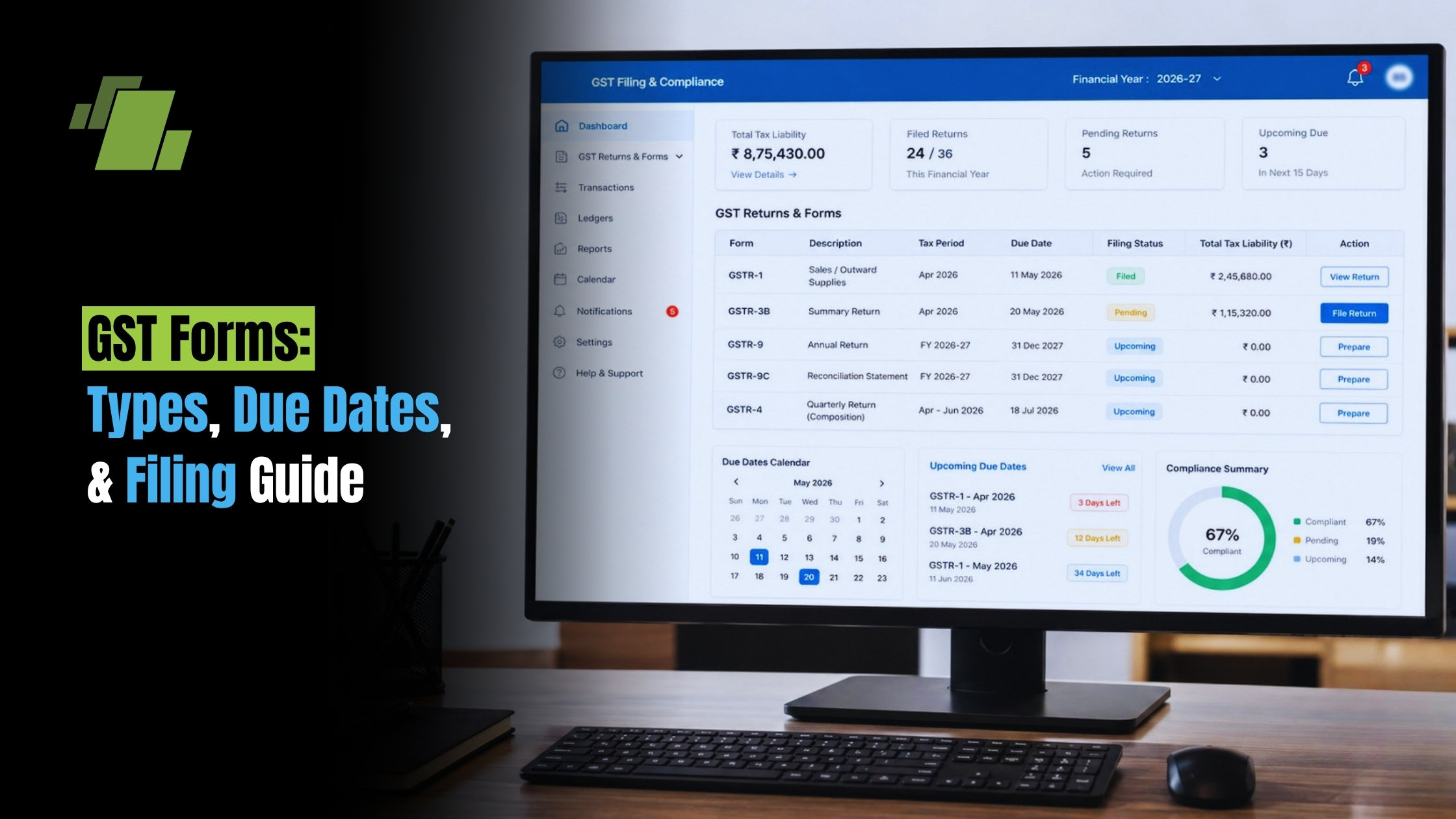
Navigating gst forms can feel hard at first. But each form has a clear job. These forms support tax compliance, tax filing, and business records. In this guide, you will learn the main gst forms, gst forms and due dates, and the gst filing process step by step. You will also see how to download GSTR 3B from GST portal and avoid common errors.
Contact Us
Free Demo Request
What Are GST Forms?
GST forms are key papers in the GST system. They help businesses report sales, purchases, credits and tax due. They also support gst tax filing and keep records clear for the tax office.
Different gst forms serve different jobs. Some are for monthly filing. Some are for annual returns. Others track inward and outward supplies.
To make them easier to sort, group them by use:
- Monthly and quarterly filing forms
- Annual return forms
- Forms for inward and outward supplies
Using the right form helps businesses report each transaction the right way. It also lowers the risk of penalties. Clear filing supports trust with tax officers and makes gst filing easier.
Key Types of GST Forms and Their Purposes
Understanding the main gst forms is important for every business. Each form serves a different part of the gst return process. The right form helps you file with less stress and fewer errors.
The most common forms are GSTR 1, GSTR 3B, and GSTR 9. Together, they cover sales, credits, tax due, and annual totals.
GSTR 1: Outward Supplies Return
GSTR 1 is used to report outward supplies. In simple terms, it lists sales transactions and tax details. This is the gst return form for sales data.
Businesses should update it often so the record stays correct. It is usually due by the 11th of the next month.
Key points:
- Outward supply details: Sales data for the period
- Tax amounts: GST rate and tax due
- Customer details: Buyer info for clear records
GSTR 3B: Monthly Summary Return
GSTR 3B is a short monthly summary. It shows total sales, input tax credits, and tax due. Businesses use it for monthly gst tax return filing.
It is usually due by the 20th of the next month. Accurate data matters because errors can lead to penalties.
Key points:
- Sales summary: Gross sales for the month
- Credit summary: Input and output tax credits
- Liabilities: Total tax due for the month
GSTR 2A and 2B: Inward Supplies
GSTR 2A and 2B show inward supplies. They pull data from supplier filings in GSTR 1. These forms help businesses check claims before they use input tax credit.
GSTR 2A changes as new data comes in. GSTR 2B is more fixed and gives a month-end view. That makes it useful for checks and match-ups.
Key points:
- Invoice details: Supplier invoice data
- Credit amounts: Eligible input tax credit
- Verification: Cross-checking against internal records
GSTR 9: Annual Return
GSTR 9 is the annual GST return. It brings together the year’s monthly and quarterly data. It is used for full-year gst return filing.
This form gives the full picture of tax due, credits, and payments. It is due by December 31 after the end of the tax year.
Important parts of GSTR 9:
- Full summary: Total sales, tax due, and credits
- Matching: Cross-checking filed returns with actuals
- Annual view: A clear look at the full year
Correct filing of these forms supports compliance. It also helps avoid gaps, mismatch issues, and penalties.
GST Forms and Due Dates
Knowing gst forms and due dates helps you plan ahead. Each return has its own filing date. Meeting these dates helps avoid late fees and supports steady compliance.
GSTR 1 is usually due by the 11th of each month. GSTR 3B is usually due by the 20th. GSTR 9 is due by December 31 after the fiscal year ends.
Quick due date list:
- GSTR 1: 11th of the next month
- GSTR 3B: 20th of the next month
- GSTR 9: December 31 after year-end
Keep these gst filing dates in mind. Good planning makes gst tax submission smoother and reduces last-minute errors.
GST Filing Process: Step-by-Step Guide
The gst filing process has a few simple steps. Follow them in order for a smooth gst return filing process.
This gst return filing procedure is simple if you follow each step.
- Log in to the GST portal with your details.
- Open the return page and choose the right gst return form.
- Fill in all details with care.
- Review the data and check for mistakes.
- Submit the form on the portal and save the receipt.
A few tips help here:
- Use clean records before you start
- Check totals before you gst submit
- Keep proof of each filing
These steps support a safe and simple gst return process. They also help businesses file on time and avoid errors.
How to Download GSTR 3B from GST Portal
Learning how to download GSTR 3B from GST portal is useful for records and audits. If you want to know how to download 3b from gst portal, use these steps. Start by logging in to the portal. Then open the Returns Dashboard from the main menu.
Next, select the return filing period for the GSTR 3B you need. The portal will show the form. You can view it before you download it.
Then choose the download option and save the file. This helps with file storage, review, and future checks. It also supports gst 3b return download needs during audits.
Quick steps:
- Log in to the GST portal
- Open the Returns Dashboard
- Choose the return filing period
- Download the GSTR 3B form

Common Mistakes to Avoid in GST Return Filing
gst return filing can go wrong when small steps are missed. The most common issues are easy to avoid if you plan ahead.
Watch out for these mistakes:
- Not matching invoices before filing
- Missing gst filing dates
- Entering wrong tax details
- Skipping a final review
If you avoid these errors, your gst tax return will be more accurate. Good records and careful checks save time and money.
New GST Forms and Recent Updates
The world of gst forms keeps changing. New gst forms may be added to make filing easier. Updates can also improve the gst filing process and reduce admin work.
Recent updates often focus on:
- Simpler forms
- Changes to old forms
- Better online submit tools
Stay alert to new gst forms and changes. Regular checks help businesses file on time and keep gst filing smooth.
Conclusion: Best Practices for GST Return Filing
Good gst return filing protects business trust and keeps tax work on track. Using GST software can simplify filing, improve accuracy, and help businesses stay on top of GST forms and due dates.
Best practices to follow:
- Keep full records of each transaction
- Check GST updates and filing dates
- Use software or tools to file faster
- Review data before you submit
- Save copies of each return for future use
By following these steps, businesses can handle gst filing with more ease and less stress. Good planning supports clean records, fewer errors, and better compliance.

Call at +91-73411-41176/75 or send us an email at sales@logicerp.com to book a free demo today!
Frequently Asked Questions
1. What is GSTR?
GSTR means GST Return.
2. Which GST return is used for sales transactions?
GSTR 1 is used for sales and outward supplies.
3. Why check GSTR 2A and GSTR 2B before claiming credit?
They help you match supplier data with your records and claim only valid credits.
4. What is the deadline for GSTR 3B?
It is usually due by the 20th of the next month.
5. How to download GSTR 3B from GST portal?
Log in, open the Returns Dashboard, choose the period, and download the form.
6. How do GSTR 1 and GSTR 3B differ in purpose?
GSTR 1 reports outward supplies and sales details. GSTR 3B is a monthly summary that shows sales, credits, and tax due.
7. Why should businesses review GSTR 2A and GSTR 2B before claiming input tax credits?
These forms help compare supplier data with internal records. This reduces mismatch errors and supports valid credit claims.
8. What happens if a business misses GST return filing deadlines?
Missing the deadline can lead to late fees, penalties, and interest. It can also make gst return filing harder later.
9. Why is downloading GSTR 3B from the GST portal useful after filing?
It helps with records, audits and later checks. It also makes annual matching and review easier.

Author
Gurbir Singh
Co-founder & Managing Director | LOGIC ERP Solutions Pvt. Ltd.
With 30+ years of experience in the tech industry, I took the helm of technology & product development, ensuring LOGIC ERP’s continuous innovation & leadership in the evolving tech landscape.