Mastering Your Computer Bill: Decoding Costs & Saving

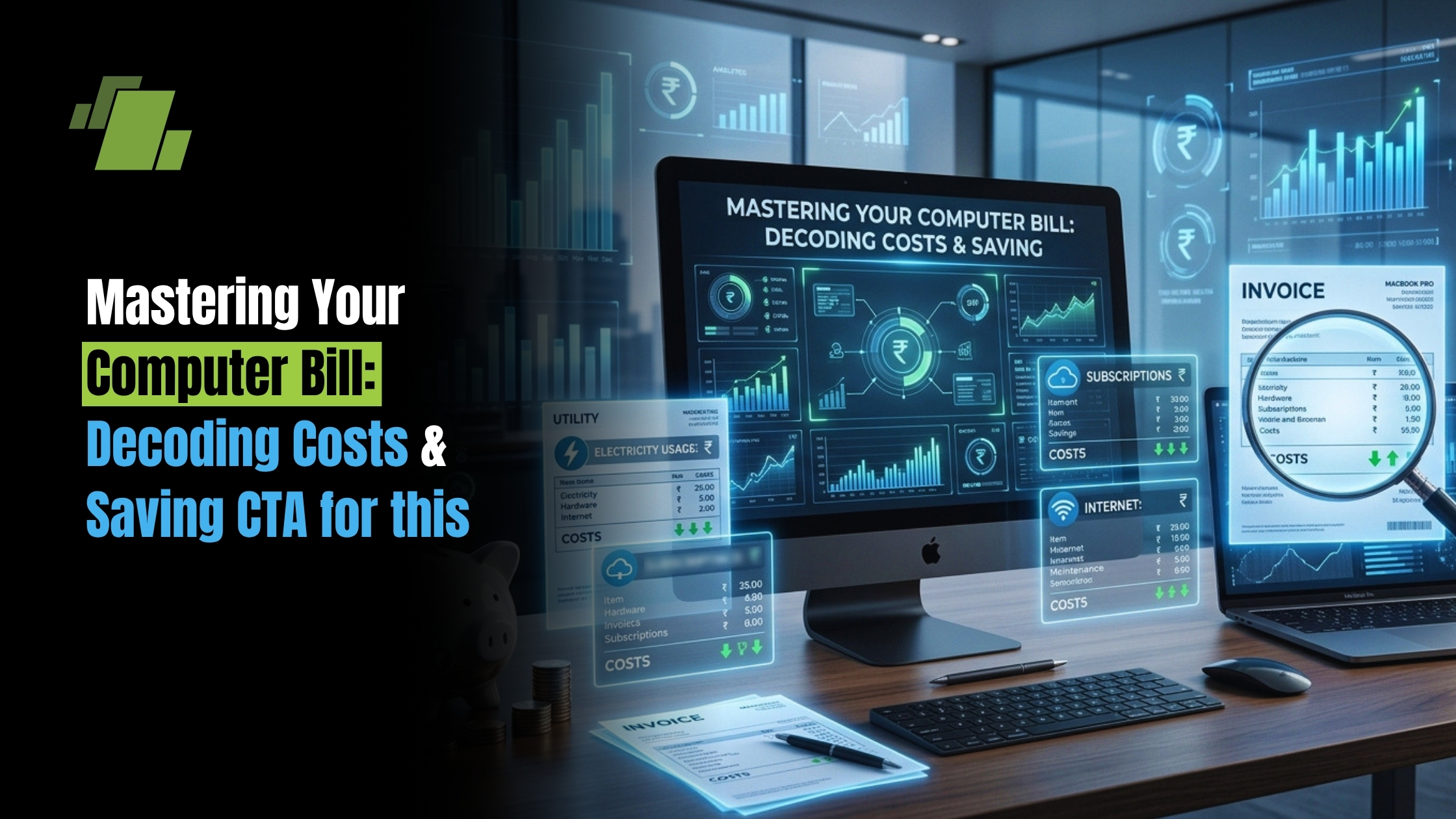
Have you ever stared at an invoice for technology services and wondered exactly what you are paying for? Whether you are an individual trying to decode a simple repair receipt, using billing software to manage invoices, or an IT director managing a massive enterprise budget, making sense of computing costs can often feel like translating a foreign language. Technology expenses are rarely as simple as a single price tag; they encompass hardware, labor, energy, software, and sometimes unexpected hidden fees.
Contact Us
Free Demo Request
In this comprehensive guide, we will break down the entire spectrum of computing expenses. We will start with the personal technology level understanding the standard charges from your local technician and smoothly transition all the way up to enterprise-level investments, cloud computing, and advanced AI infrastructure. By the end, you will be equipped to read, analyze, and optimize any technology expense that crosses your desk.
The Personal Tech Level: Decoding Your Local Repair Invoice
When your personal laptop or desktop breaks down, the first thing you usually encounter is a standard computer bill from a local technician. For most consumers, the frustration of a broken machine is quickly followed by the anxiety of the final cost. Understanding how these documents are structured is your first line of defense against overpaying.
A typical computer repair bill is usually divided into two main categories: parts and labor. Parts are the physical components like a new solid-state drive, a replacement screen, or RAM upgrades that the technician had to purchase. Labor is the hourly or flat rate charged for the expertise required to install those parts and troubleshoot the system.
If you take a close look at a standard computer shop bill, you will notice that clarity is key. A transparent computer shop invoice should list every single component replaced alongside its individual price, followed by a separate line item for the labor involved. Interestingly, the presentation of these bills can vary widely. While larger retail chains use sophisticated point of sale systems to print out a highly detailed computer generated bill, many smaller, independent repair centers rely on simpler methods. It is incredibly common to see an independent technician use a basic computer shop bill format in Word to quickly draft their invoices.
Regardless of the software used, a proper computer repair bill format should always include:
- Business Details: The shop’s name, contact info, and tax ID.
- Customer Details: Your name, phone number, and device serial number.
- Itemized List: Clear separation of hardware costs and service fees.
- Warranty Terms: Guarantees on the replaced parts and labor performed.
Familiarizing yourself with the standard computer shop bill format ensures you can easily spot discrepancies, ask informed questions, and ensure you are only paying for the services your device actually required.
Scaling Up: Business Computing and Hardware Investments
As we move from individual consumers to businesses, computing expenses become significantly more complex. Companies don’t just buy a single machine; they invest in fleets of workstations and complex networks. Understanding what determines the price of high-performance hardware is crucial for businesses aiming to stay competitive without overspending. Factors such as the generation of the processor, memory capacity, build quality, and specialized components dictate these costs.
Structuring the Corporate IT Budget
When a business scales up, leaders must decide how to categorize their spending. This brings us to the critical debate of OpEx versus CapEx for enterprise IT budgeting.
- Capital Expenditures (CapEx): This involves buying physical hardware upfront like servers, desktops, and networking gear. It requires a large initial investment but the company owns the assets.
- Operational Expenditures (OpEx): This refers to pay-as-you-go services, such as leasing equipment or utilizing cloud-based subscriptions. OpEx offers flexibility and lower upfront costs.
Choosing between the two depends heavily on your company’s financial strategy and cash flow. However, regardless of how you buy your equipment, optimizing hardware lifecycle for maximum ROI (Return on Investment) is non-negotiable. Keeping a computer or server running for four to five years instead of replacing it every three years can save tens of thousands of dollars, provided that the maintenance costs do not exceed the price of new hardware.
The Core Infrastructure: Servers, Cloud, and Data Centers
For growing businesses and large enterprises, the conversation shifts from individual desktop machines to the massive machines that power networks, host websites, and store data.
On-Premises vs. Cloud Solutions
One of the biggest financial decisions an IT department will make involves comparing on-premises versus off-site deployment expenditures. Building an in-house server room means you have complete control over your hardware. However, calculating the true total cost of ownership for server infrastructure reveals a multitude of expenses beyond the initial purchase. You must account for physical security, specialized cooling systems, IT staffing, and real estate space.
Furthermore, you cannot ignore the energy consumption impact on data center overhead. Servers must run 24/7, and the air conditioning units required to keep them from overheating draw a massive amount of electricity. In many enterprise environments, the monthly power bill can rival the cost of the hardware itself over the lifespan of the server.
Alternatively, many businesses migrate to off-site cloud solutions to avoid these physical overheads. But the cloud is not automatically cheaper. Business leaders constantly seek advice on how to reduce cloud infrastructure spending. Cloud costs can spiral out of control if virtual machines are left running unnecessarily or if storage is poorly managed.
To optimize these costs, many organizations look closely at the price per unit of processing power provided by different vendors. By adopting modern architectures, businesses can leverage the scalability benefits of serverless architecture pricing. In a serverless model, you do not pay for idle servers; you only pay for the exact milliseconds of computing time your applications actually use, making it highly cost-effective for variable workloads.
The Modern Era: AI, Advanced Graphics, and Big Data
We are currently in the midst of a technological revolution, and the demands of modern software are heavily influencing hardware costs.
The Cost of Artificial Intelligence
If your company is looking into machine learning, you must consider the immense impact of artificial intelligence training on resource allocation. Training a complex AI model requires massive amounts of computational power, far beyond what standard processors can handle.
This leads many to ask: why does GPU demand affect server leasing prices so dramatically? Graphics Processing Units (GPUs) are uniquely suited to handle the parallel processing required for AI and deep learning. As the global race to develop AI technology accelerates, companies are buying up high-end GPUs by the thousands. This massive demand, coupled with supply chain constraints, has driven up the cost of the hardware, which cloud providers then pass on to consumers in the form of higher hourly leasing rates for GPU-optimized servers.
Managing Data and Software Expenses
Alongside AI, the sheer volume of data businesses collect today is staggering. Implementing cost-effective strategies for high-volume data storage is essential to keep cloud and physical server costs in check. This often involves “data tiering” keeping frequently accessed data on fast, expensive solid-state drives, while moving older, archived data to slower, drastically cheaper storage solutions like tape drives or cold cloud storage.
Beyond hardware and storage, software costs can easily become the most expensive line item on a technology budget. Estimating software licensing and maintenance fees accurately is vital. Many modern software vendors charge per user, per month, or base their fees on the amount of processing power your servers use. Failing to audit these licenses regularly often results in companies paying thousands of dollars for software seats that former employees no longer use.
Beware of the Hidden Costs
Even with a meticulous budget, unexpected technology costs can silently drain a company’s finances. Two major culprits are poorly negotiated service contracts and neglected IT infrastructure.
Navigating Managed Service Providers (MSPs)
Many businesses outsource their IT needs to Managed Service Providers. While this can be a smart move, you must be vigilant about hidden fees in managed service provider contracts. Sometimes, a low monthly rate only covers basic system monitoring. When a server goes down or a major security update is required, you might be hit with exorbitant “out-of-scope” hourly labor charges. Always review your Service Level Agreements (SLAs) carefully to understand exactly what is and isn’t included in your flat monthly fee.
The Price of Technical Debt
Finally, one of the most overlooked computing costs is entirely invisible on a standard invoice. We must consider the long-term financial implications of technical debt. Technical debt occurs when a company chooses a fast, cheap, or poorly coded software solution now, knowing it will need to be fixed or replaced later.
While taking shortcuts might save money on today’s budget, technical debt accrues “interest.” Over time, outdated systems become incredibly difficult to integrate with new technology, they become vulnerable to costly cyberattacks, and they slow down employee productivity. The ultimate cost to completely tear down and rebuild a failing, outdated legacy system is almost always higher than doing it right the first time.
Conclusion: Taking Control of Your Computing Costs
Whether you are staring down a basic computer shop bill for a shattered laptop screen or analyzing a multimillion-dollar cloud migration proposal, the underlying principles of technology spending remain the same.
To truly take control of your computing costs, remember these key takeaways:
- Demand Transparency: Never accept an intentionally vague computer bill. Always request an itemized breakdown of parts and labor.
- Plan the Lifecycle: Maximize your hardware investments by balancing upfront CapEx costs with long-term maintenance.
- Monitor Utilization: In the cloud era, you pay for what you provision. Turn off idle resources and embrace scalable, serverless architectures where appropriate.
- Look Beyond the Hardware: Factor in the heavy costs of software licensing, energy consumption, and the hidden pitfalls of technical debt.
By approaching technology expenses with a critical eye and a fundamental understanding of how these costs are structured, you can stop viewing IT strictly as an unpredictable expense, and start managing it as a strategic, value-driving investment.
Call at +91-73411-41176/75 or send us an email at sales@logicerp.com to book a free demo today!
Frequently Asked Questions
1. What is included in a standard computer repair bill?
A standard computer repair bill typically includes an itemized list of replacement parts, labor charges, taxes, warranty details, and the technician’s or service provider’s information. Reviewing each charge helps ensure billing transparency.
2. What is the difference between CapEx and OpEx in IT spending?
Capital Expenditure (CapEx) refers to purchasing physical IT assets like servers and computers, while Operational Expenditure (OpEx) covers recurring expenses such as cloud subscriptions, leasing, and managed IT services. Businesses choose between them based on financial strategy and operational needs.
3. Is cloud computing always more cost-effective than on-premises infrastructure?
Not necessarily. While cloud computing reduces upfront hardware costs and infrastructure maintenance, expenses can increase if resources are not properly managed. Organizations should monitor usage, optimize storage, and shut down idle resources to control cloud spending.
4. Why are AI and GPU-based computing costs so high?
AI workloads require high-performance GPUs capable of handling complex parallel processing. Rising global demand, limited supply, and the intensive computational requirements of AI model training significantly increase GPU and AI infrastructure costs.
5. How can businesses reduce overall computing and IT infrastructure costs?
Businesses can reduce computing costs by extending hardware lifecycles, optimizing cloud resource usage, regularly auditing software licenses, reviewing managed service contracts, and minimizing technical debt through proactive IT planning.

Author
Gurbir Singh
Co-founder & Managing Director | LOGIC ERP Solutions Pvt. Ltd.
With 30+ years of experience in the tech industry, I took the helm of technology & product development, ensuring LOGIC ERP’s continuous innovation & leadership in the evolving tech landscape.

