Benefits of Using an e Invoice Scanner

Summary
Discover how e-invoice software with an integrated e invoice scanner simplifies GST invoice verification, automates invoice processing, prevents invoice fraud, protects Input Tax Credit (ITC), and ensures GST compliance. Learn the key benefits, verification process, and best practices for improving invoice management, accuracy, and business efficiency.
The landscape of taxation and business compliance has undergone a massive digital transformation over the last few years. Today, businesses are expected to operate with unprecedented transparency and speed. At the heart of this shift is the e-invoicing mandate. While generating digital invoices is one side of the coin, verifying them is equally crucial. Performing a routine gst invoice check online is no longer just a best practice it is a mandatory step to safeguard your business’s financial health.
Enter the e invoice scanner: a seemingly simple tool that packs a powerful punch. Whether you are a small business owner or the CFO of a large enterprise, understanding how to leverage this technology can save you from compliance nightmares and significant financial losses.
Contact Us
Free Demo Request
Let’s explore the top benefits of adopting an e invoice scanner and how it can revolutionize your financial operations.
What Exactly is an E-Invoice Scanner?
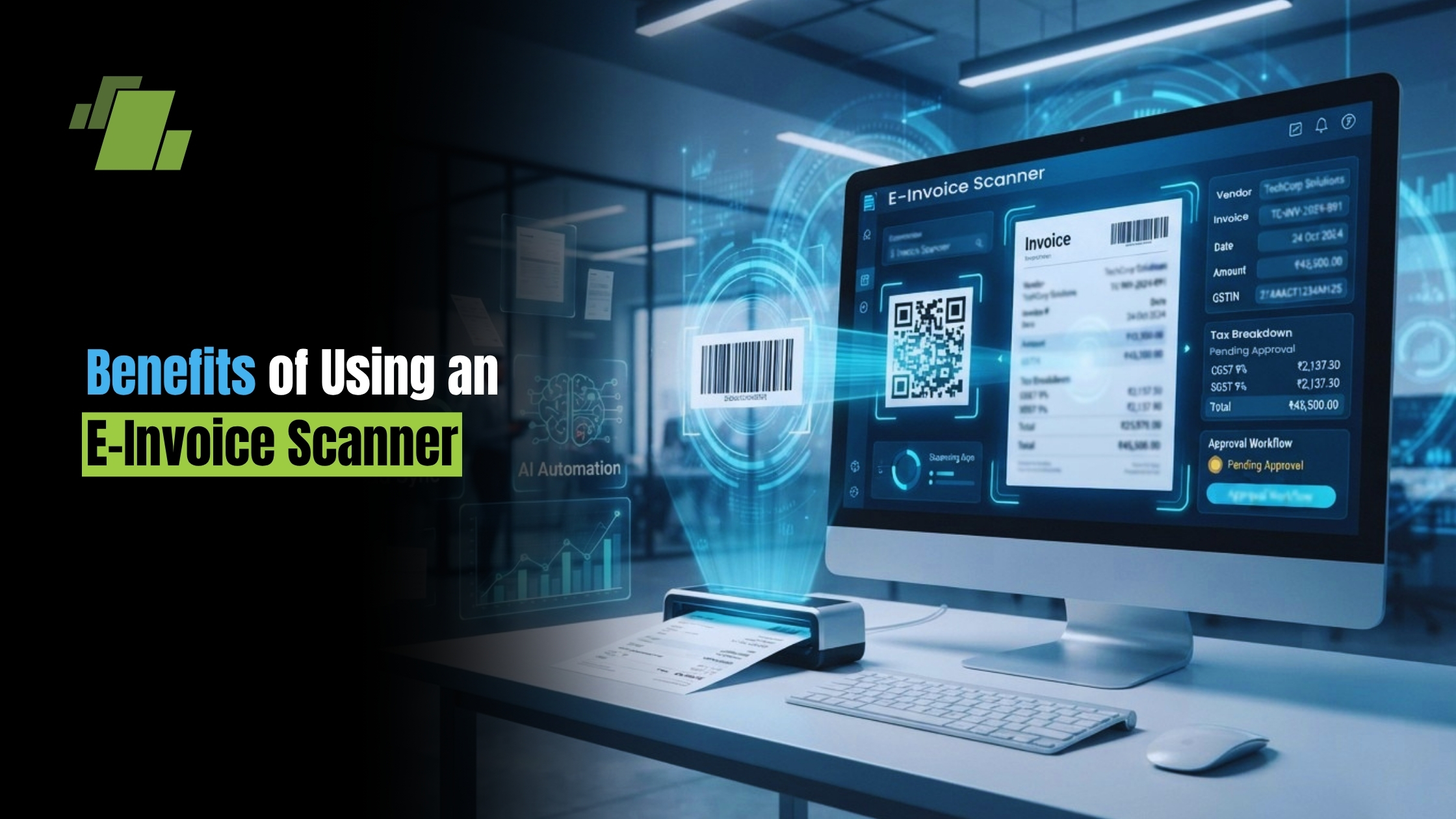
An e invoice scanner is a digital utility often integrated into comprehensive e-invoice software or available as a standalone electronic invoice app designed to read the cryptographically signed Quick Response (QR) code printed on a standard electronic invoice.
When you use an e invoice qr code scanner, the tool instantly decrypts the information embedded in the code. It cross-references the Invoice Reference Number (IRN) with the government’s Invoice Registration Portal (IRP), instantly pulling up the authenticated details of the transaction. In seconds, a manual and tedious gst invoice check transforms into an instantaneous digital confirmation.
✨ Summarize this article with AI


The Core Benefits of E-Invoice Scanning
1. Accelerating Automated Invoice Processing
Manual data entry is notoriously slow and prone to human error. By integrating an e-invoice scanner into your daily workflow, you pave the way for true automated invoice processing. When a scanned QR code is authenticated, the data can be automatically populated into your accounting software.
This not only speeds up your accounts payable cycle but also significantly advances your journey toward paperless invoicing. Going green is not just good for the environment; it drastically reduces physical storage costs and document retrieval times.
2. Fortifying Fraud Prevention
Tax evasion and sophisticated invoicing scams are real threats. Unscrupulous entities often create convincing counterfeit bills to manipulate the system. One of the greatest advantages of scanning tools is their ability in detecting fake gst invoices from dealers.
Because the QR code contains a digital signature from the government portal, tampering with the invoice alters the code. When you scan a manipulated document, the scanner will immediately flag it as invalid, identifying fraudulent tax credit claims before they ever enter your accounting ecosystem.
3. Seamless GST Invoice Verification
Routine gst invoice verification ensures your financial records perfectly mirror the government’s database. It is the ultimate sanity check. Whether you are dealing with local vendors or cross-state suppliers, scanning ensures that every piece of paper (or PDF) claiming to be an official tax document is legitimate.
Mastering the Verification Ecosystem
To truly harness the power of these tools, you need to understand the data they process.
Decoding the E-Invoice QR Code Verification Process
The e-invoice qr code verification process is highly secure. When you scan the code, you aren’t just opening a web link. The scanner verifies the digital signature of the IRP. It extracts vital details such as the supplier’s GSTIN, invoice number, date, invoice value, and the number of line items.
Furthermore, scanning aids in understanding HSN code on tax invoices. The Harmonized System of Nomenclature (HSN) code dictates the exact tax rate of the goods or services. The scanner pulls the HSN data embedded in the QR code, allowing your accounts team to instantly verify if the correct tax rate was applied to the transaction.
Knowing Your Invoice Types
A smart verification process also requires recognizing the difference between b2b and b2c gst invoices.
- B2B Invoices: Business-to-Business invoices mandate the generation of an IRN and a standardized QR code. These are strictly required for claiming tax credits.
- B2C Invoices: Business-to-Consumer invoices may feature a dynamic QR code primarily aimed at facilitating digital payments, though the reporting requirements differ. Your scanner will help correctly categorize and process these distinct invoice types.
Beyond Standard Invoices
Your verification duties don’t end with a standard sales bill. A robust digital toolset will also assist in authenticating gst credit and debit notes, which directly impact your tax liabilities and credits. Furthermore, logistics play a huge role in compliance. Many comprehensive scanner apps now include features for verifying digital signature on e-way bills, ensuring that the transit of your goods is just as compliant as the purchase itself.
Protecting Your Input Tax Credit (ITC)
Perhaps the most critical reason to utilize a scanner is to protect your cash flow. If you claim an Input Tax Credit (ITC) on a fake or unregistered invoice, the tax authorities will not only reverse your claim but also slap you with hefty penalties and interest.
Using an e-invoice scanner is step one to validate input tax credit eligibility. However, eligible ITC relies heavily on your vendor’s behavior. You must be proactive in checking supplier compliance for itc.
Actionable Workflow for ITC Protection:
- Scan on Receipt: Use your scanner to instantly authenticate the inbound invoice.
- Reconciliation: Make it a monthly habit of reconciling GSTR 2B with purchase register. GSTR-2B is a static auto-drafted statement containing details of eligible ITC based on your suppliers’ filings. If the scanned invoice doesn’t show up in your GSTR-2B, you cannot claim the credit.
- Hold Payments: If a verified invoice isn’t reflected in your GSTR-2B, hold the GST portion of the payment until the supplier files their returns correctly.
How to Vet Your Suppliers Effectively
A scanner checks the document, but you also need to check the people behind the document. Proper vendor onboarding is just as important as scanning their bills.
Whenever you engage with a new vendor, the first step is to verify gst number of supplier. But how do you do this efficiently?
- The Official Portal: Utilize the taxpayer search tool on gstn portal. Entering the GSTIN here will show you the legal name, principal place of business, and the exact registration status (Active, Cancelled, or Suspended).
- Searching by PAN: Sometimes, a vendor might only provide their Permanent Account Number (PAN) during preliminary talks. You can perform a gstin search by pan number on the GST portal to see all GST registrations associated with that specific business entity.
- Checking Filing History: It isn’t enough that a vendor is registered; they must be actively filing taxes. It is vital to learn how to check gst portal return filing status. By looking up the vendor’s GSTIN, you can view a public table showing the exact dates they filed their GSTR-1 and GSTR-3B. A vendor who consistently files late is a red flag and a risk to your ITC.
Taking Action: What to Do When Things Go Wrong
Even with the best checks in place, you might stumble upon anomalies. If your scanner throws a “Signature Invalid” or “IRN Not Found” error, you must act swiftly.
Here are the critical steps to report gst invoice fraud:
- Double-Check: Re-scan the invoice using a government-approved electronic invoice app to ensure it wasn’t a temporary glitch or a poor-quality print.
- Contact the Supplier: Often, errors occur due to API failures or ERP glitches on the supplier’s end. Give them a chance to provide a valid, digitally signed e-invoice.
- Document the Evidence: Keep a digital copy of the fraudulent invoice, any email correspondence, and the error logs from your scanner.
- Report to Authorities: If the supplier is uncooperative or blatantly fraudulent, you can report the discrepancy to the Directorate General of GST Intelligence (DGGI) or raise a grievance on the official GST Grievance Redressal Portal (CBIC Mitra).
Integrating Scanners into Your Invoice Management System
To maximize efficiency, an e-invoice scanner shouldn’t be used in isolation. It should be a built-in feature of your broader invoice management system.
When you integrate e-invoice scanning into your central enterprise resource planning (ERP) system or accounting suite, you create a closed-loop system of compliance.
- Step 1: The vendor emails a digital invoice.
- Step 2: Your system automatically extracts the QR code and performs the authentication.
- Step 3: The data is pushed into the ledger.
- Step 4: The system automatically cross-references the data during the month-end GSTR-2B reconciliation.
This level of synergy eliminates the stress of month-end tax filing and drastically reduces the manpower required for routine administrative tasks.
Conclusion
The era of trusting a printed piece of paper at face value is over. As tax networks become increasingly interconnected, businesses must adapt by adopting smarter, faster tools. Implementing an e invoice scanner is an incredibly high-return investment.
From driving automated invoice processing and enabling paperless invoicing, to actively detecting fake gst invoices from dealers, the benefits are undeniable. By making a gst invoice check online a frictionless part of your daily operations, you protect your hard-earned Input Tax Credit, maintain spotless compliance, and build a resilient, future-ready business.
Don’t wait for a tax notice to realize the importance of invoice authentication. Equip your team with the right e-invoice software today, and take absolute control over your financial ecosystem.
Call at +91-73411-41176/75 or send us an email at sales@logicerp.com to book a free demo today!
Frequently Asked Questions
1. What exactly does an e-invoice scanner verify on a GST invoice?
It reads the cryptographically signed QR code, verifies the IRP’s digital signature, and cross-checks the Invoice Reference Number (IRN) with the government’s Invoice Registration Portal. In seconds, it extracts key fields supplier GSTIN, invoice number and date, invoice value, line-item count, and HSN codes so your accounting system can auto-populate records and confirm authenticity.
2. How does scanning help detect fake or tampered invoices?
The QR code carries a government-issued digital signature. Any data tampering alters the code and breaks the signature. When scanned, the tool flags mismatches (e.g., “Signature Invalid” or “IRN Not Found”), stopping counterfeit invoices and bogus tax-credit attempts before they enter your books.
3. Can I claim Input Tax Credit (ITC) if a scanned invoice isn’t in my GSTR-2B?
No. If an invoice doesn’t appear in your GSTR-2B, you cannot claim the credit. Follow a strict workflow: scan on receipt to authenticate, reconcile your purchase register with GSTR-2B monthly, and hold the GST portion of payment until the supplier files correctly and the invoice reflects in your GSTR-2B.
4. What’s the difference between scanning B2B and B2C invoices?
B2B invoices must carry an IRN and a standard QR code these are essential for ITC and are authenticated by the scanner. B2C invoices may feature a dynamic QR mainly for digital payments, with different reporting requirements; the scanner helps you categorize and process them, but the dynamic QR is not an IRN-based authentication mechanism.
5. What should I do if the scanner shows “Signature Invalid” or “IRN Not Found”?
Act quickly: re-scan using a government-approved app to rule out scan/print issues; contact the supplier to correct possible API/ERP errors; document the invoice, emails, and scanner error logs; if unresolved or fraudulent, report it to the DGGI or raise a grievance on the CBIC Mitra (GST Grievance Redressal) Portal.

Author
Gurbir Singh
Co-founder & Managing Director | LOGIC ERP Solutions Pvt. Ltd.
With 30+ years of experience in the tech industry, I took the helm of technology & product development, ensuring LOGIC ERP’s continuous innovation & leadership in the evolving tech landscape.